
Electro Dépôt //cuts// the time spent on in-store signage by 4
With PiiVO, Electro Dépôt teams automate the creation of their signage, simplify price changes, and save valuable time to focus on what matters most: the customer.


.avif)
The Electro Dépôt challenge: empowering customers while controlling signage
At Electro Dépôt, signage is a strategic element of the in-store experience.
The retailer needs to highlight its price image, provide customers with self-service information, and manage numerous daily price changes and promotional operations.
The challenges before PiiVO
- Time-consuming price change management
- Complex sales and promotional campaigns
- Manual creation of numerous signs
- Field staff time tied up in administrative tasks
- Difficulty maintaining consistent information
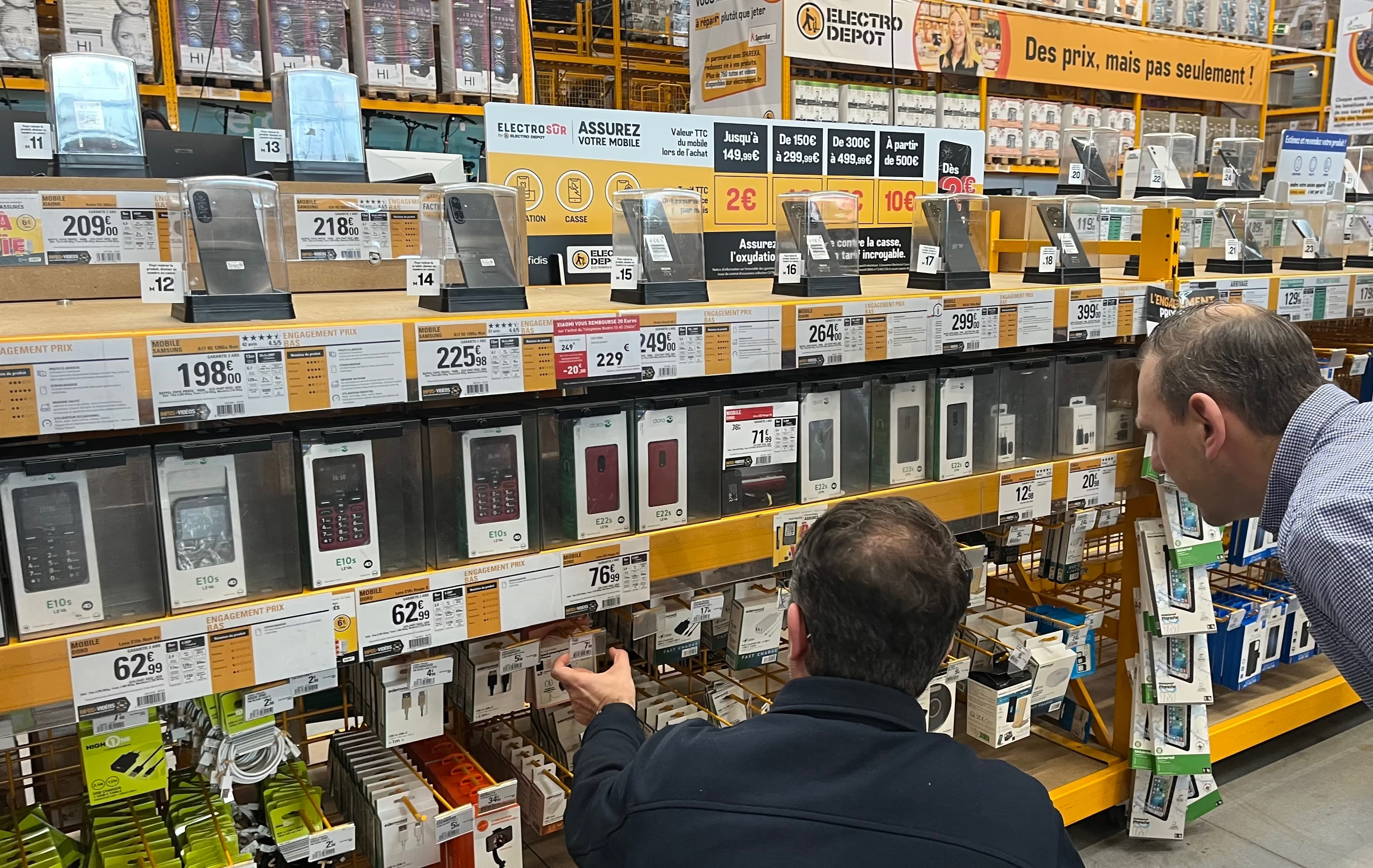
PiiVO in daily life at Electro Dépôt stores
The automation solution chosen by Electro Dépôt
1. Automated price changes
- Prices generated automatically every morning
- Automatic sorting by status
- Reduce daily manual tasks
2. Simplified signage creation
- Enter the item code only
- Product information retrieved automatically
- Bulk creation in seconds
3. Empowered teams
- Use on PC and mobile app
- Changes made directly on the shop floor
- Immediate signage printing
4. A better customer experience
- Product information visible on the shelf
- Customers more independent in their choices
- Fewer basic inquiries for staff
Results that speak for themselves
Increased productivity
- Signage creation time cut by 4
- Sales management significantly simplified
- Near-instant printing
Rapid adoption
- New team members autonomous in 2 to 3 days
- Interface rated as intuitive by users
- Guaranteed compliance with industry regulations

Real-world impact
- More time spent with customers
- Consistent and always up-to-date signage
- Complete harmonization of signage across 120+ stores

Key deployment figures
- 150+ stores equipped in 8 months
- 15 million labels managed automatically per year
- 500,000+ updates processed every month
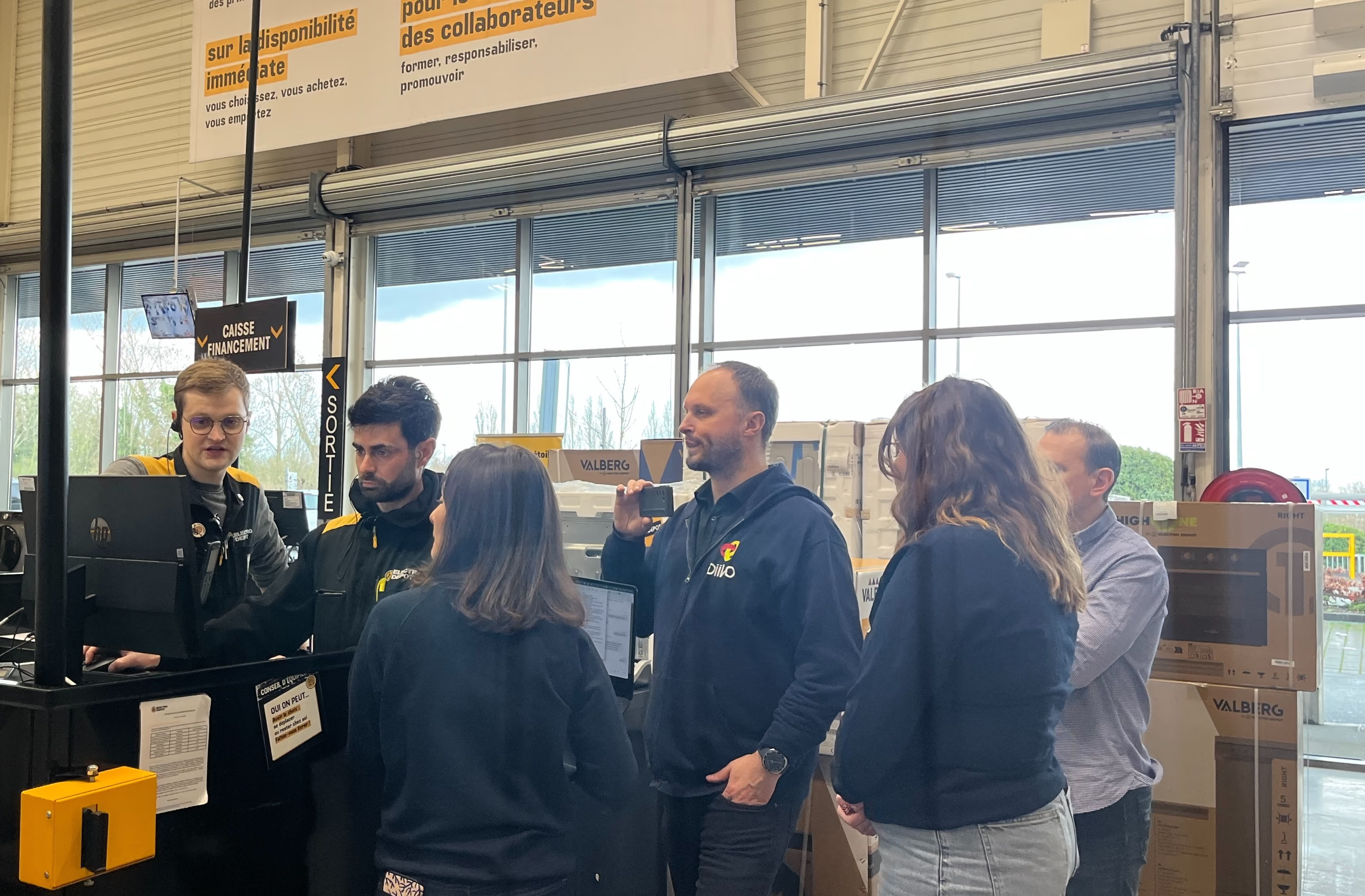
Our teams can finally focus on what really matters: customer advice

"Looking back after 3 months, we've seen a time saving of about 50%"
PIM Project Manager at Électro-dépôt
Want the same results as Électro-dépôt?
Discover how POSter can transform signage management in your stores.

Everything you need to know for a successful transformation
By eliminating manual data entry. Product and price displays are generated from up-to-date central data. This reduces the risk of checkout disputes, saves time on customer service, and eases tension in-store.
Let's talk about price accuracyThe platform features native support for multilingual management and regional formats. From headquarters, you can manage templates that automatically adapt to the currencies, units of measurement, and local regulations of each subsidiary.
Let's discuss your international rolloutPiiVO POSter is built on a secure SaaS architecture. Data exchanges are monitored, user access is granularly managed, and network constraints (VPN, internal policies) are strictly followed.
Let's discuss your needsPiiVO integrates with your existing systems—such as ERP, PIM, DAM, internal solutions, or pricing systems—via API or secure feeds. The goal is to leverage your reliable data without changing your current infrastructure.
Talk to our technical teamEverything is based on rules you configure during onboarding: document format, media type, originating store, department, and more. Once these rules are set, Printer applies them automatically to every incoming document. If a PDF matches a strip format, it is sent to the laser printer using the correct tray. If it is a small label format, it is routed to the roll printer. If it is a large format, it goes to the plotter. No user intervention is required.
Let's discuss your infrastructureAutomate product and price displays in-store


