
Leroy Merlin //saves 300,000 hours per year// by automating its in-store signage
Discover how Leroy Merlin standardized its signage, improved the quality of in-store information, and freed up time for its teams with PiiVO.


The Leroy Merlin challenge: ensuring reliable, consistent, and useful signage to empower customers
At Leroy Merlin, in-store signage is much more than just a price tag.
It helps guide customers in their choices, ensures information is consistent between online and in-store, and guarantees compliance with regulatory requirements across the entire network.
The challenges before PiiVO:
- Signage standardization
Over 400 signage templates to maintain, making updates complex to deploy. - Information quality
Ensuring reliable, consistent, and understandable information across all stores. - Time spent on signage
Teams were spending time creating and updating labels instead of assisting customers. - Regulatory compliance
Ensuring ongoing compliance with signage obligations and limiting risks associated with errors. - Omnichannel experience
Providing identical information across the website, the app, and the stores.
PiiVO in daily life at Leroy Merlin
The automation solution chosen by Leroy Merlin:
1. Consistent displays across the entire network
- Standardization of display templates
- Information synchronized with the product database
- Uniform information quality across all stores
2. Reliable and compliant information at all times
- Prices and information updated automatically
- Direct connection to business tools (PIM, ERP, etc.)
- Reduced risk of errors and non-compliance
3. More time for store teams
- Rapid display generation
- Tool that is simple to use on a daily basis
- Advisors more available to assist customers
4. Greater customer autonomy
- Easier product comparison on the shelf
- Technical specifications visible directly on the displays
- Consistent omnichannel journey between web and store
Results that speak for themselves
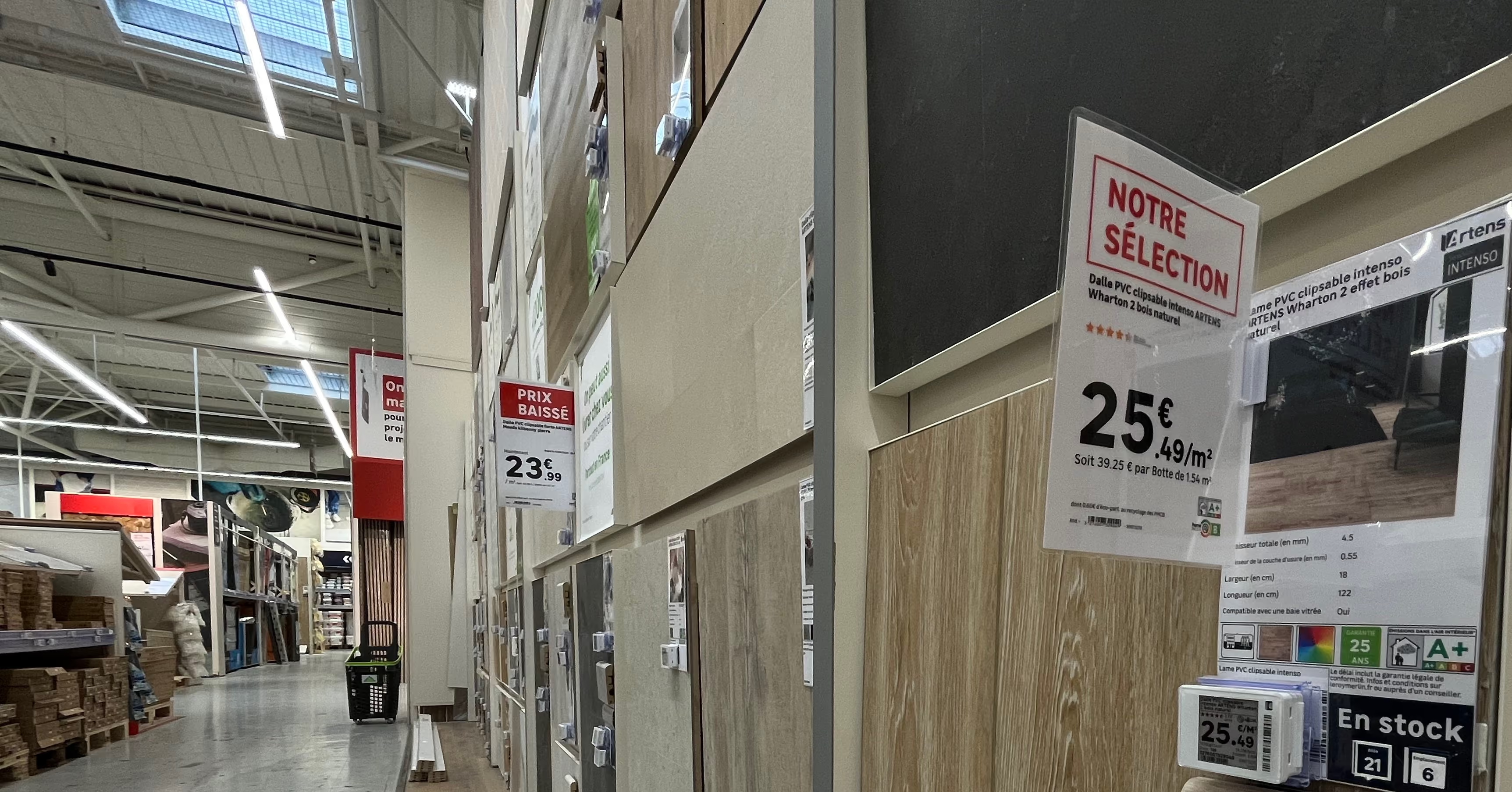
Standardization of displays
- Reduced from over 400 models to just 12 or 13 templates
- Consistent signage across the entire network
- Enhanced information quality
Productivity gains
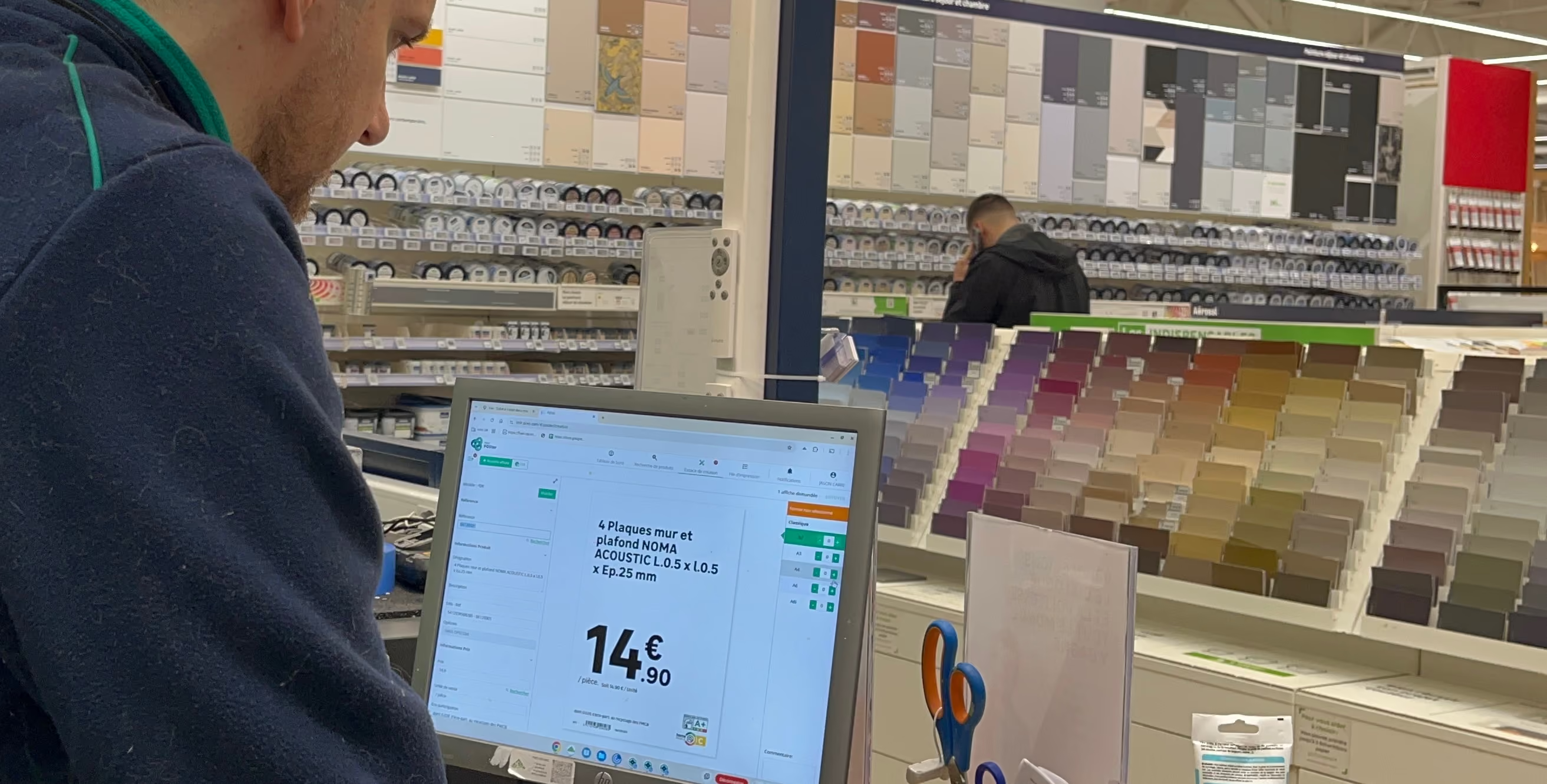
- 300,000 hours saved every year
- 184 FTEs freed up
- 2 to 13 minutes saved per generated sign
Field impact
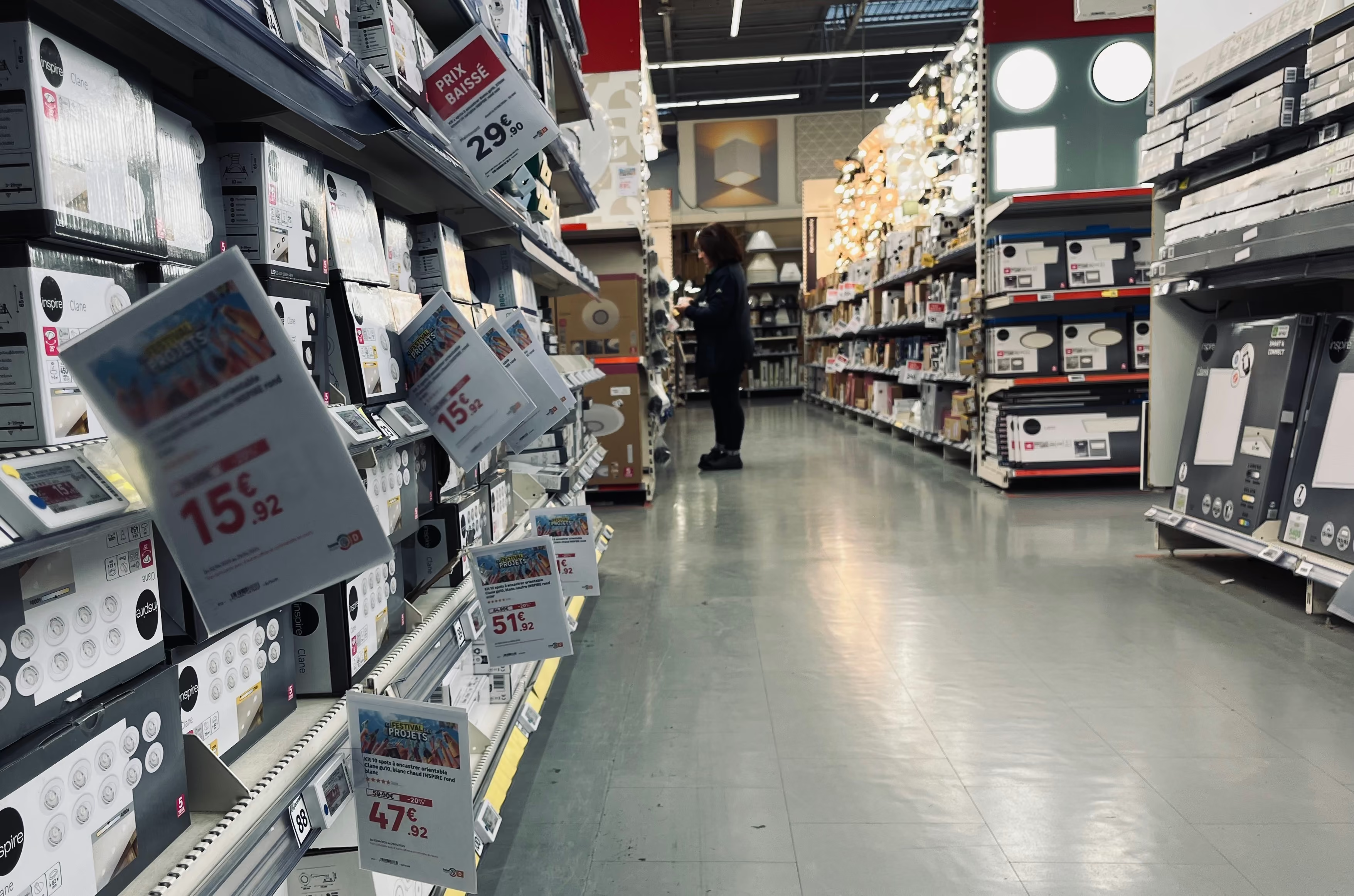
- More time dedicated to customer advice
- Consistent information between web and store
- Greater customer autonomy throughout the purchasing journey

Reliability & compliance
- Information always synchronized with the product database
- Reduced risk of signage errors
- Easier compliance with regulatory requirements
Signage that empowers the customer

"PiiVO is at the heart of it. Beyond the fact that a product must at least have a price, PiiVO is essential, especially because it makes the customer as autonomous as possible. What PiiVO brings us today is consistency in our signage and the quality of the information provided to customers."
Director of Concept, Merchandising, and Sales — Leroy Merlin France
Want the same results as Leroy Merlin?
Discover how POSter can transform in-store signage management.

Everything you need to know for a successful transformation
By eliminating manual data entry. Product and price displays are generated from up-to-date central data. This reduces the risk of checkout disputes, saves time on customer service, and eases tension in-store.
Let's talk about price accuracyThe platform features native support for multilingual management and regional formats. From headquarters, you can manage templates that automatically adapt to the currencies, units of measurement, and local regulations of each subsidiary.
Let's discuss your international rolloutPiiVO POSter is built on a secure SaaS architecture. Data exchanges are monitored, user access is granularly managed, and network constraints (VPN, internal policies) are strictly followed.
Let's discuss your needsPiiVO integrates with your existing systems—such as ERP, PIM, DAM, internal solutions, or pricing systems—via API or secure feeds. The goal is to leverage your reliable data without changing your current infrastructure.
Talk to our technical teamEverything is based on rules you configure during onboarding: document format, media type, originating store, department, and more. Once these rules are set, Printer applies them automatically to every incoming document. If a PDF matches a strip format, it is sent to the laser printer using the correct tray. If it is a small label format, it is routed to the roll printer. If it is a large format, it goes to the plotter. No user intervention is required.
Let's discuss your infrastructureAutomate product and price displays in-store


