
Maxeda //automates 90% of its signage// and standardizes its displays across more than 330 stores
With PiiVO, Maxeda has replaced manual processes with a centralized platform. Teams now have access to reliable, compliant, and automatically generated signage, both at headquarters and in stores.


The Maxeda challenge: standardizing signage across a network of over 330 stores
Before PiiVO, each brand in the group used its own methods to create signage. Teams worked with disconnected tools, leading to numerous manual tasks, errors, and significant inconsistency between stores.
The challenges before PiiVO:
- Time-consuming processes
Signs were created using Excel files, Word mail merges, and manual processing. - Information difficult to keep up to date
Data was not synchronized with central systems, which made updates complicated. - Inconsistent signage
Each store adapted its materials according to its own practices, with no real common standard. - Frequent errors
Teams had to manually check prices, text, and product information. - Team frustration
Legacy tools caused frequent malfunctions and wasted time, both at headquarters and in stores.
PiiVO in daily life at Maxeda
The automation solution chosen by Maxeda
1. Automatically generated displays
- Posters are created using business data
- Stores simply select the products they need
- Materials are generated automatically in seconds
2. Always reliable information
- Data comes directly from central systems
- Prices and information remain synchronized
- The risk of error is significantly reduced
3. Consistent communication across the entire network
- Displays comply with brand guidelines
- All stores use the same standards
- Local teams retain their autonomy within a controlled framework
4. A gradual and controlled rollout
- Over 330 stores equipped progressively
- No business interruption during deployment
- A solution that is easy to use once configured
Results that speak for themselves
Productivity gains
- A poster generated in just 3 seconds
- Significant reduction in manual tasks
- Time savings for head office and store teams
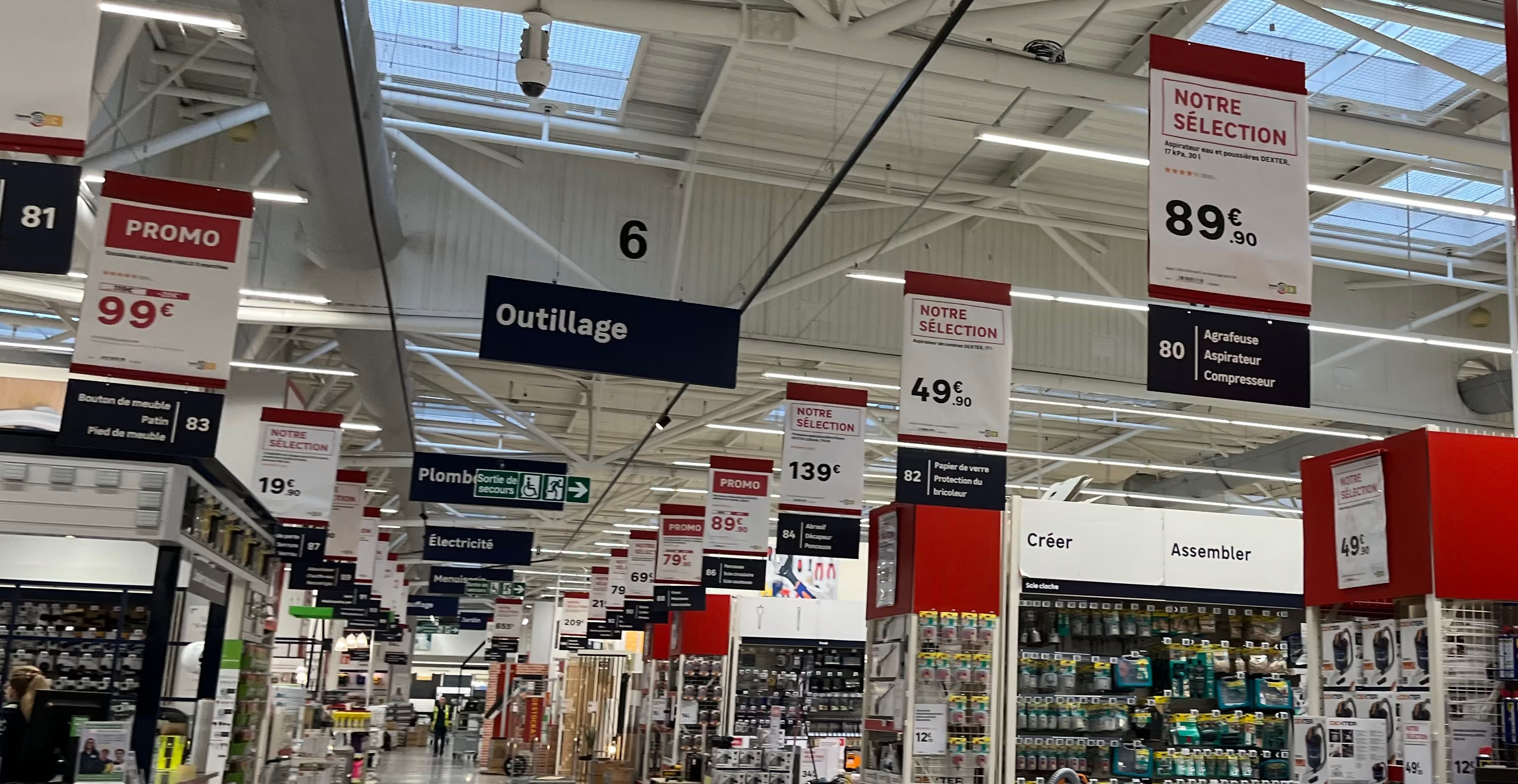
Reliable information
- 90% of signage is now automated
- Synchronization with PIM and ERP
- Reduction in display errors
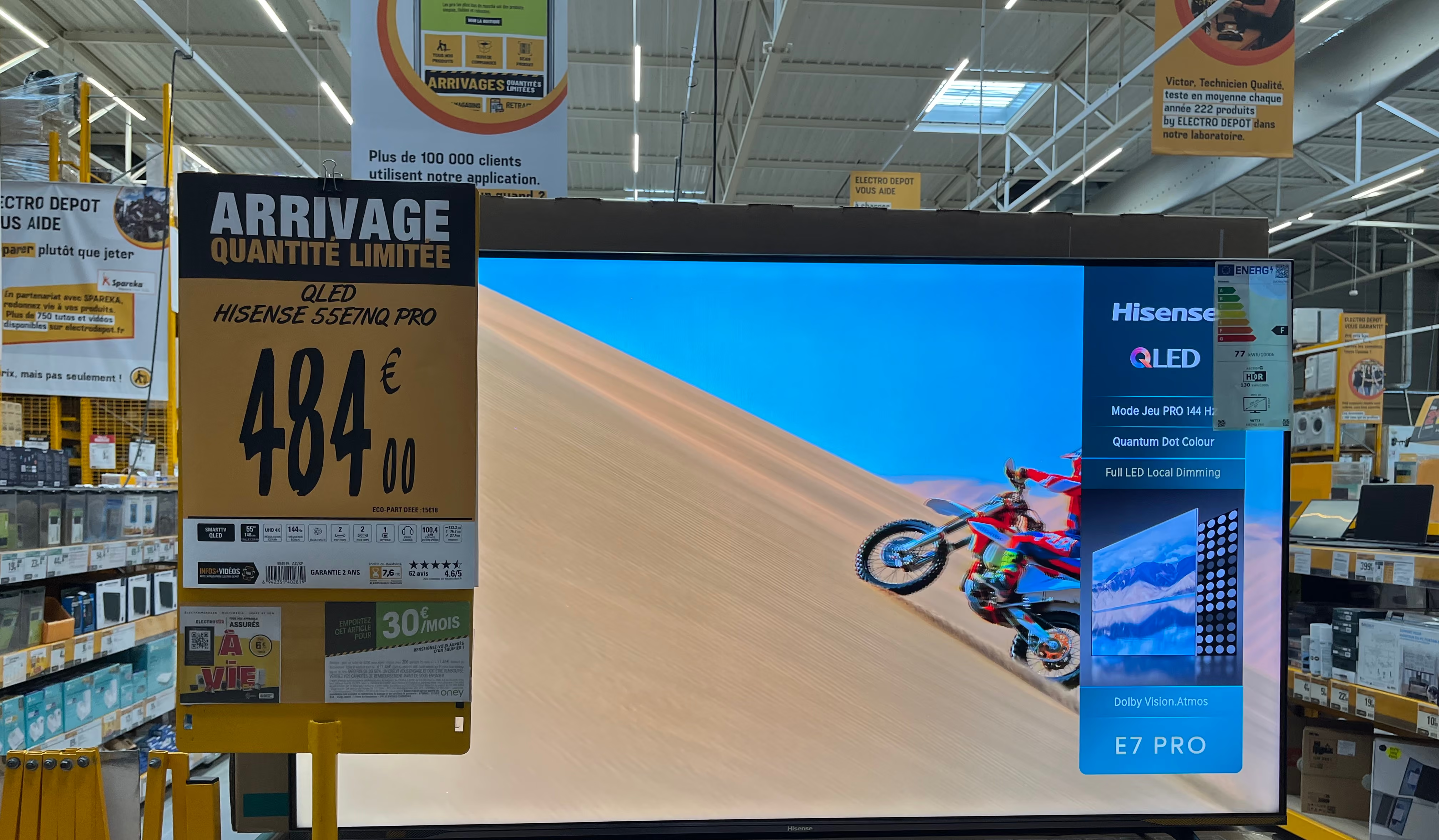
Network standardization
- Over 330 stores use the same platform
- Consistent displays across the entire network
- Systematic compliance with brand guidelines

Impact on teams
- Much less daily frustration
- Simple to use once the solution is deployed
- Teams can dedicate more time to high-value tasks
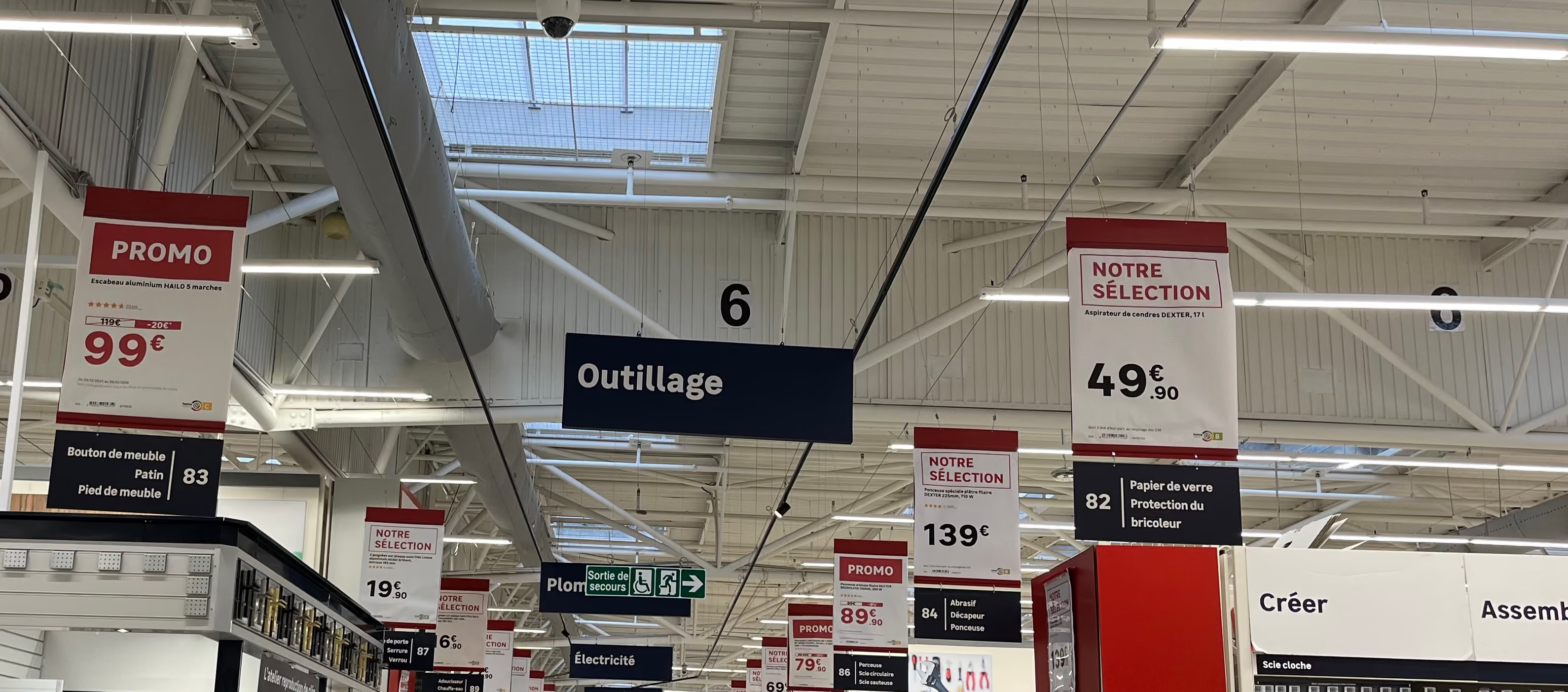
A solution that saves time… and eliminates frustration

"We have seen major time savings for our store teams, as well as at head office. More importantly, we have eliminated a major source of operational friction and frustration. The impact on efficiency and morale is direct."
Merchandising Customer Experience & Orientation — Maxeda DIY Group
Want the same results as Maxeda?
Discover how POSter can transform signage management in your stores.

Everything you need to know for a successful transformation
By eliminating manual data entry. Product and price displays are generated from up-to-date central data. This reduces the risk of checkout disputes, saves time on customer service, and eases tension in-store.
Let's talk about price accuracyThe platform features native support for multilingual management and regional formats. From headquarters, you can manage templates that automatically adapt to the currencies, units of measurement, and local regulations of each subsidiary.
Let's discuss your international rolloutPiiVO POSter is built on a secure SaaS architecture. Data exchanges are monitored, user access is granularly managed, and network constraints (VPN, internal policies) are strictly followed.
Let's discuss your needsPiiVO integrates with your existing systems—such as ERP, PIM, DAM, internal solutions, or pricing systems—via API or secure feeds. The goal is to leverage your reliable data without changing your current infrastructure.
Talk to our technical teamEverything is based on rules you configure during onboarding: document format, media type, originating store, department, and more. Once these rules are set, Printer applies them automatically to every incoming document. If a PDF matches a strip format, it is sent to the laser printer using the correct tray. If it is a small label format, it is routed to the roll printer. If it is a large format, it goes to the plotter. No user intervention is required.
Let's discuss your infrastructureAutomate product and price displays in-store


