How can you ensure visual consistency across a retail chain?
Electronic or paper labels? The debate is often framed as an all-or-nothing choice. Here is a comparison of the real advantages of each medium, and why the right choice is made format by format, without sacrificing automation or data reliability.
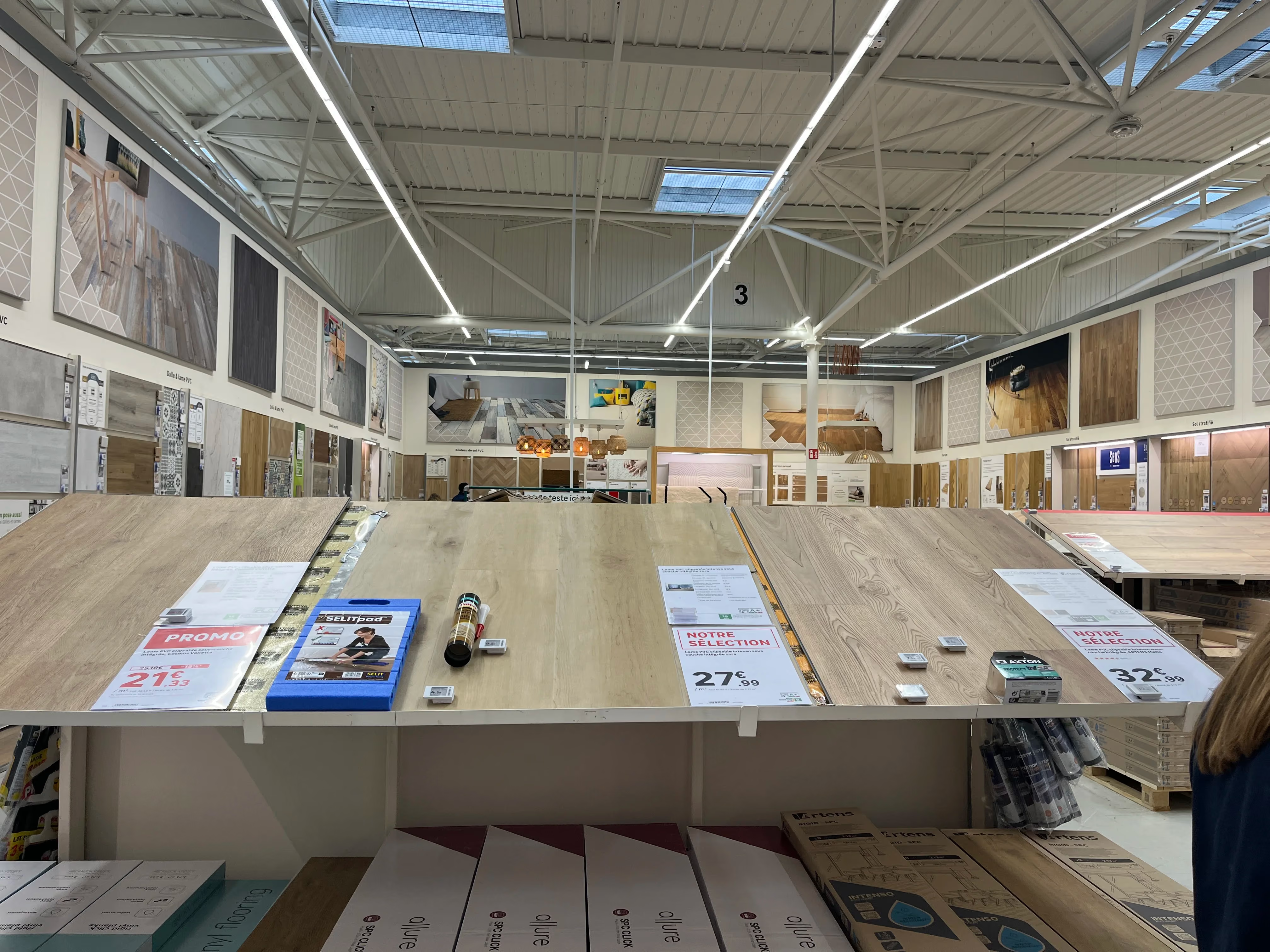
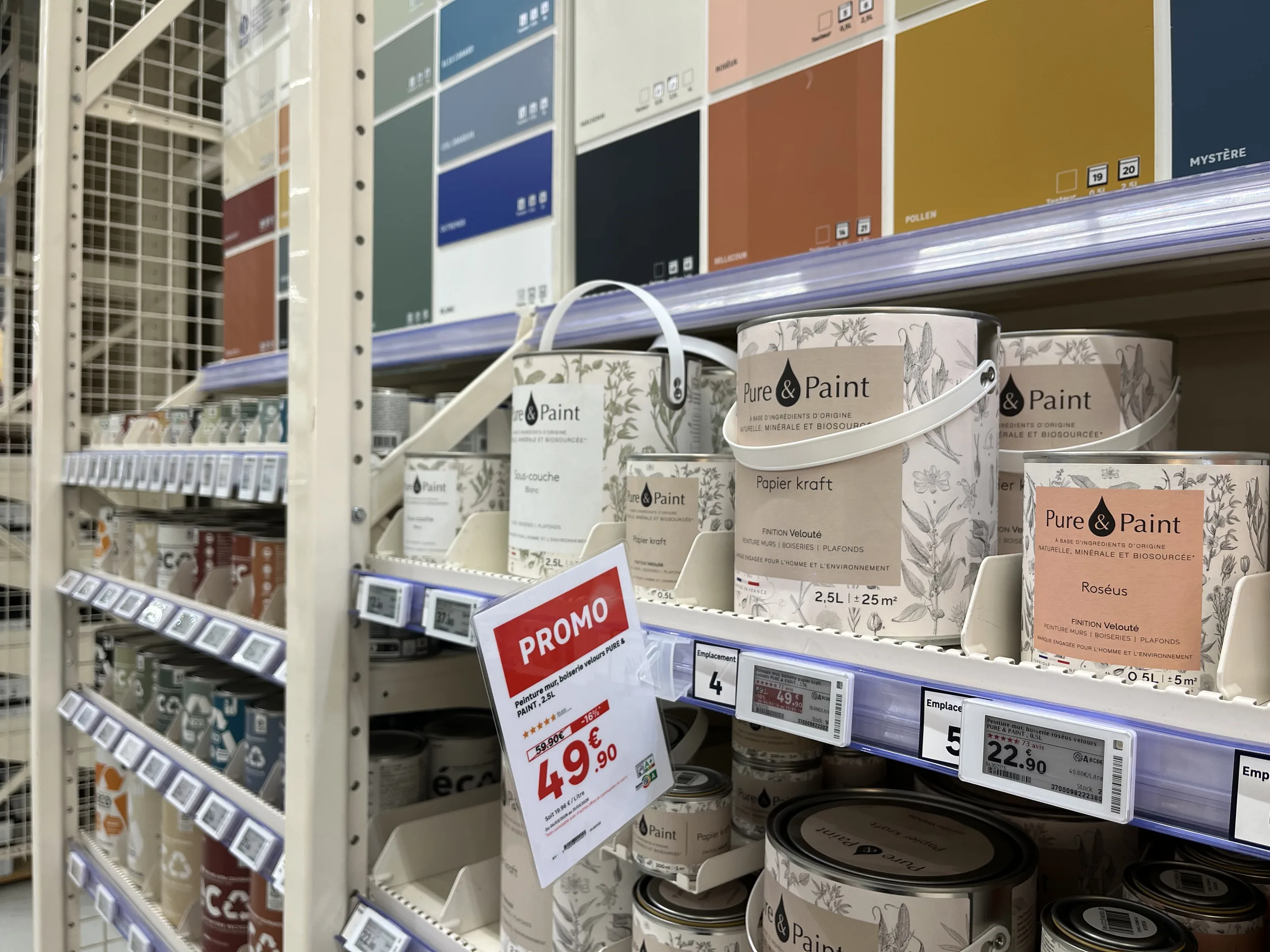
Do you have to choose between electronic and paper labels?Not for the entire store at once. The right choice is made format by format: electronic labels are ideal for standard pricing on small shelf-edge formats, while paper remains better suited for large formats, promotions, product information sheets, and wet or outdoor areas. This choice of medium should not affect the quality of the display: with a platform connected to the retailer's data, paper benefits from the same automation, visual identity, and data reliability as electronic labels.
When a retailer considers electronic labels, the debate is often framed in all-or-nothing terms. On one side, electronics, synonymous with streamlined processes and reliable data. On the other, paper, associated with errors, delays, and makeshift signage.
This opposition is largely based on a misconception. The quality of a display is not determined by the medium, but by how it is produced. Here is how to compare the two and how to choose without giving up the benefits of either.
Electronic labels vs. paper labels: what are we talking about?
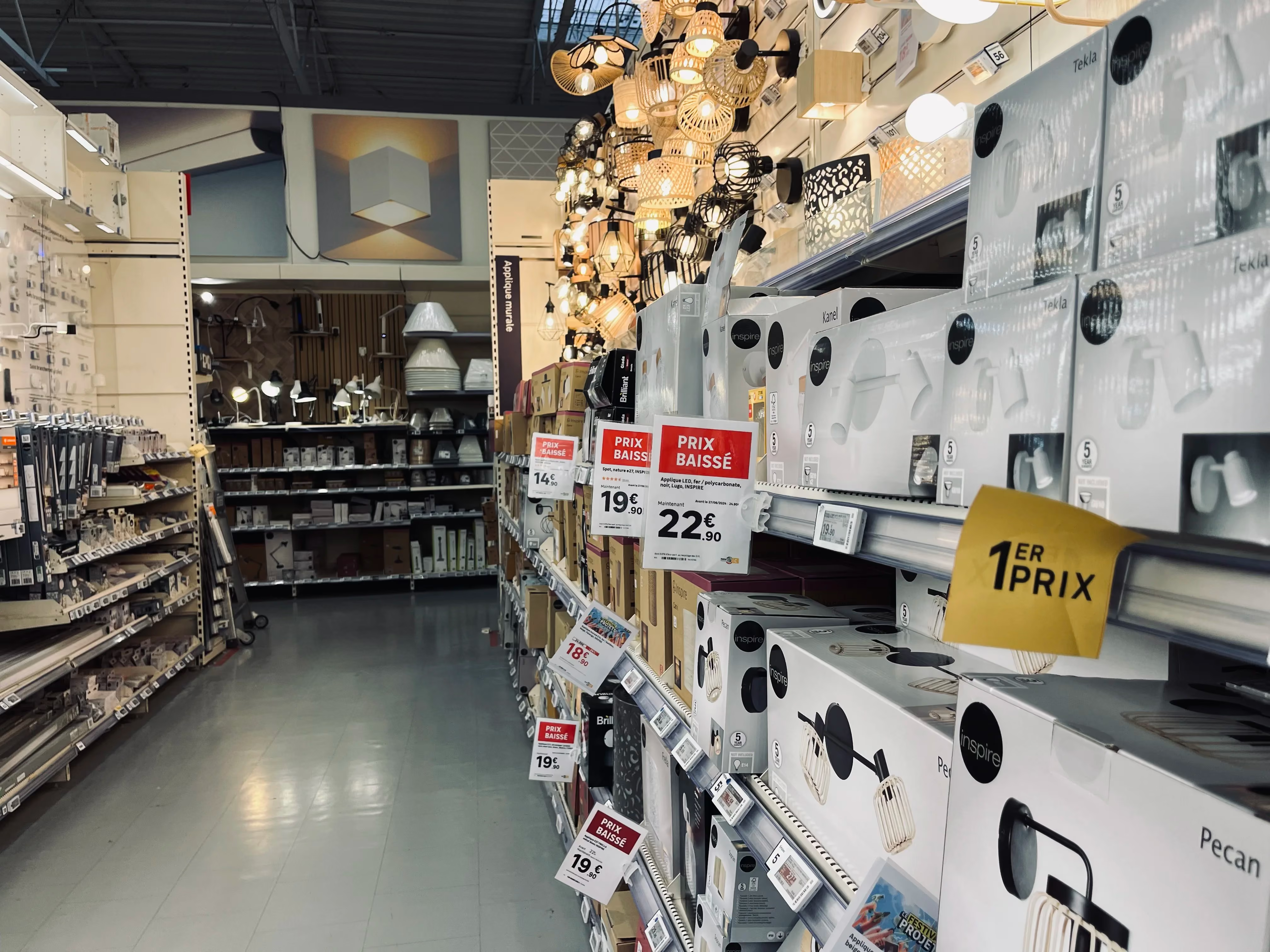
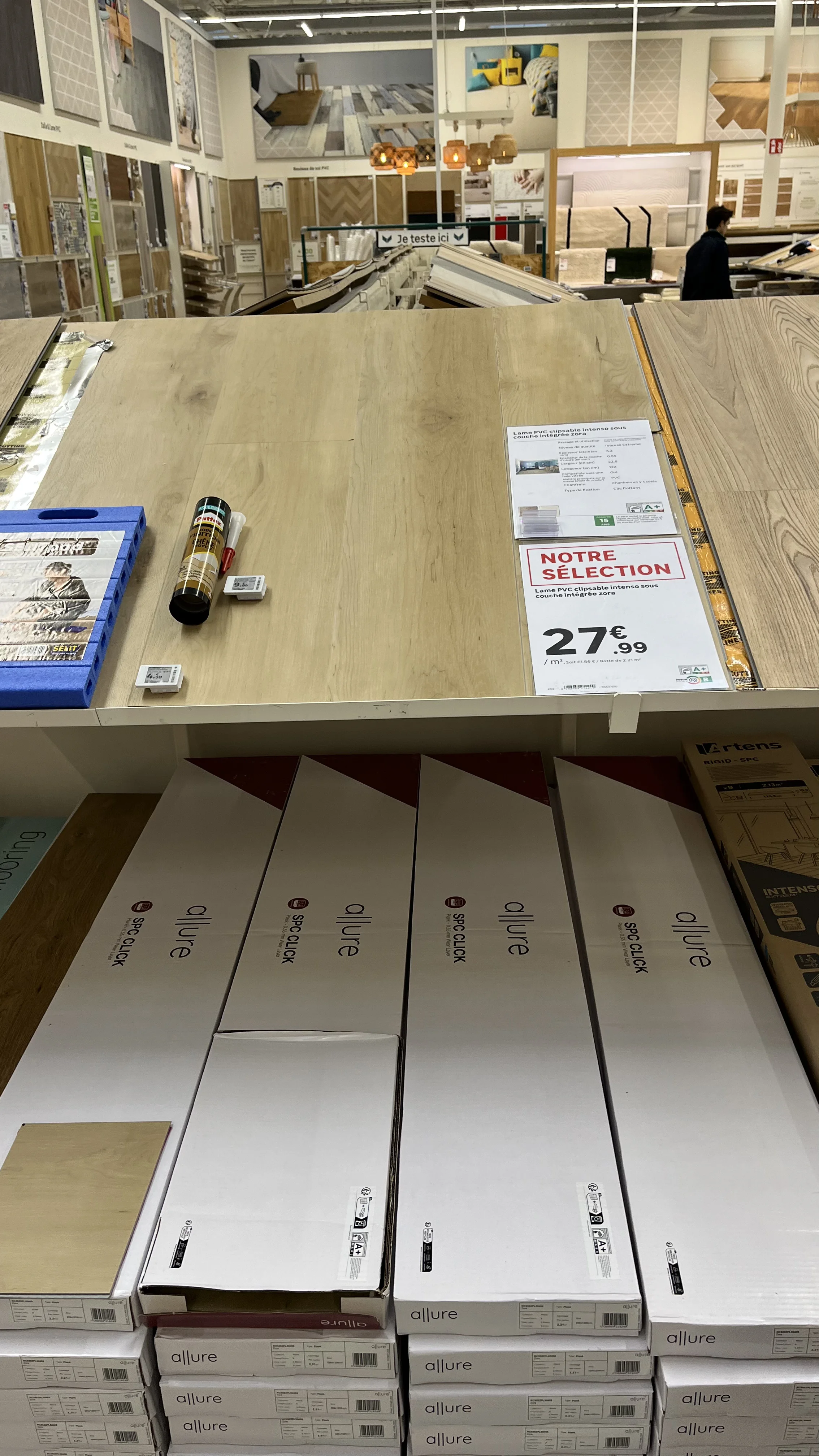
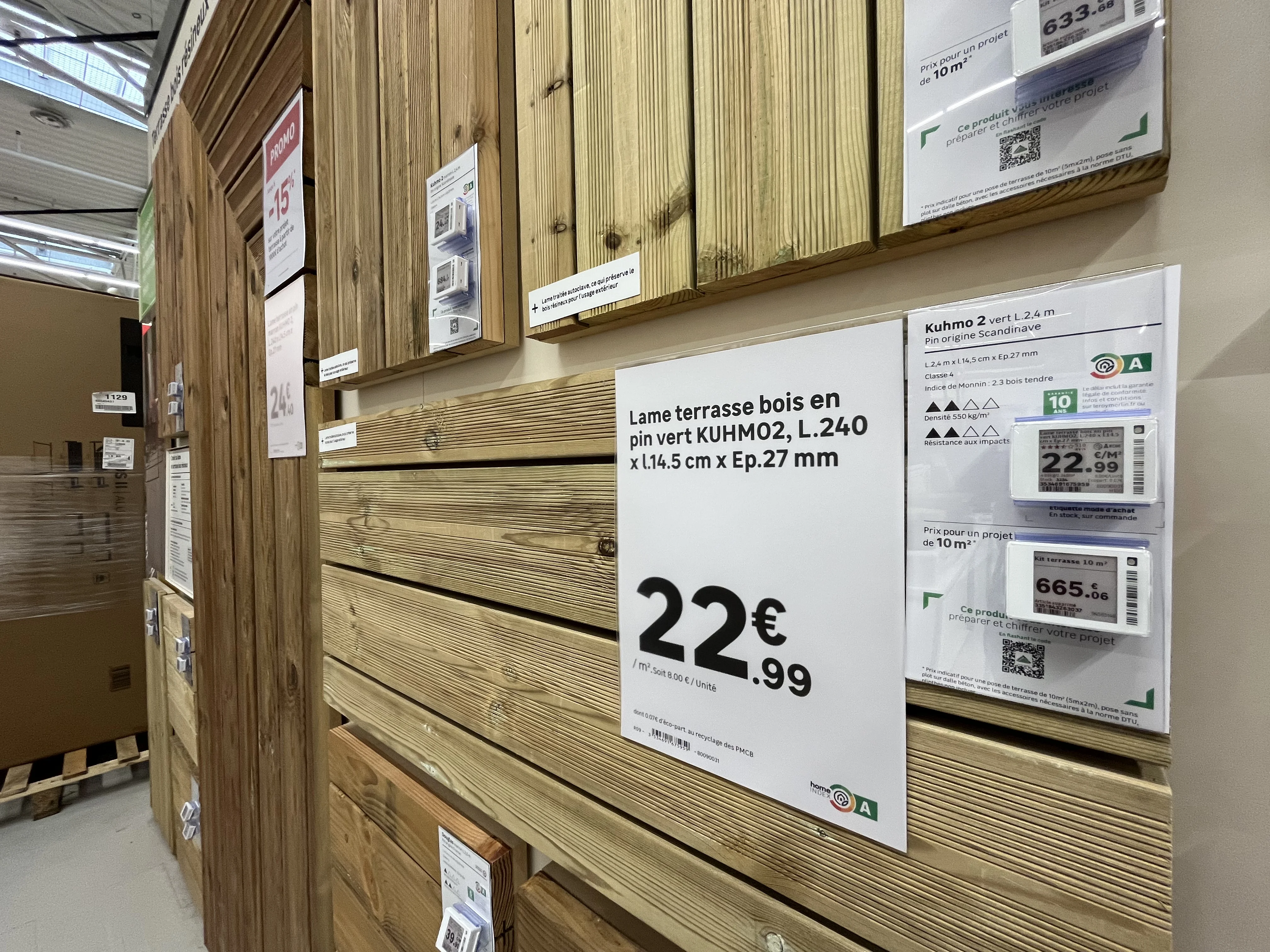
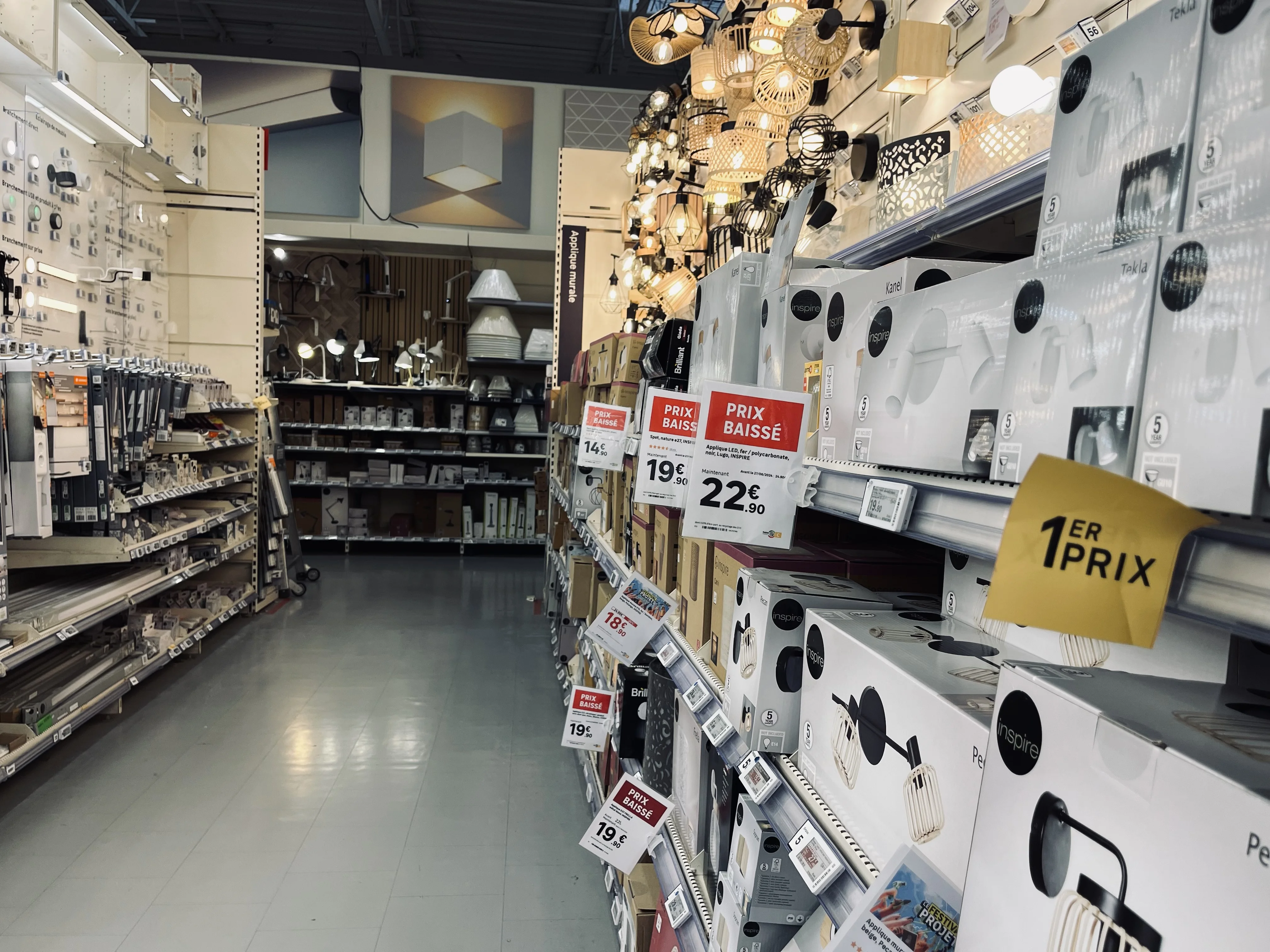
Electronic shelf labels, often called ESL (for electronic shelf label) internationally, are small screens attached to the shelf edge. Most often using e-ink, they display the price and some product information, receiving updates remotely from the retailer's systems.
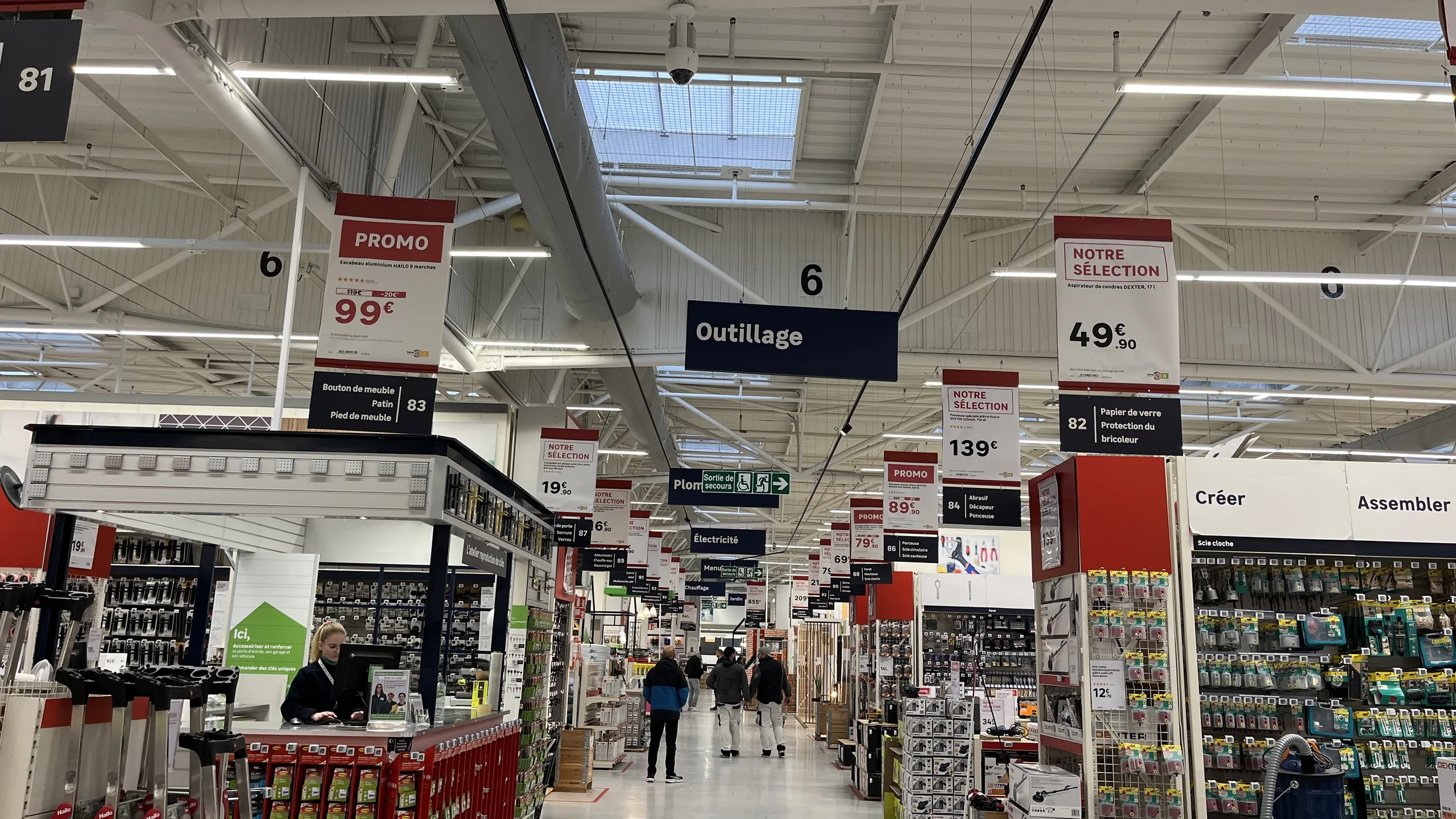
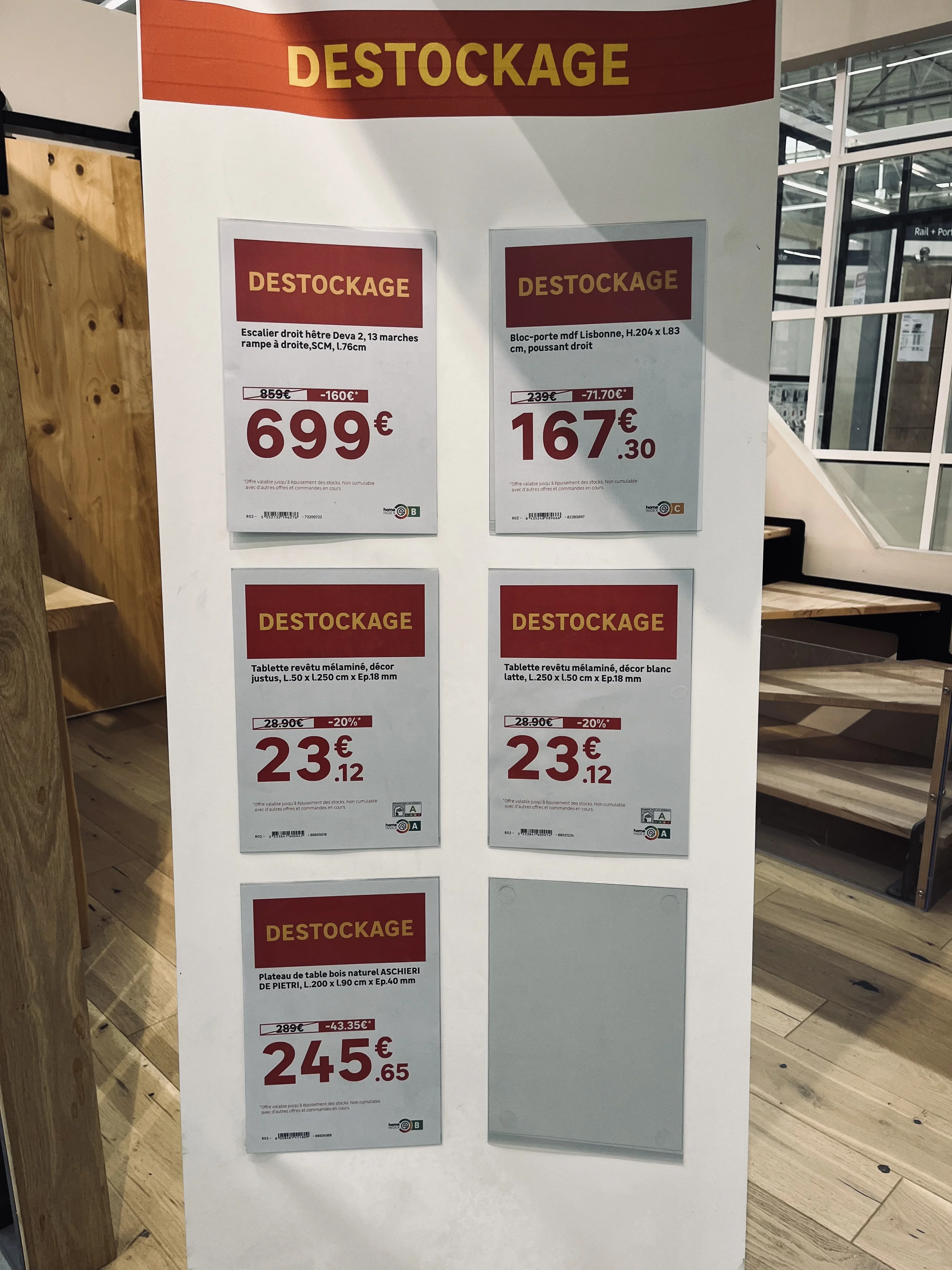
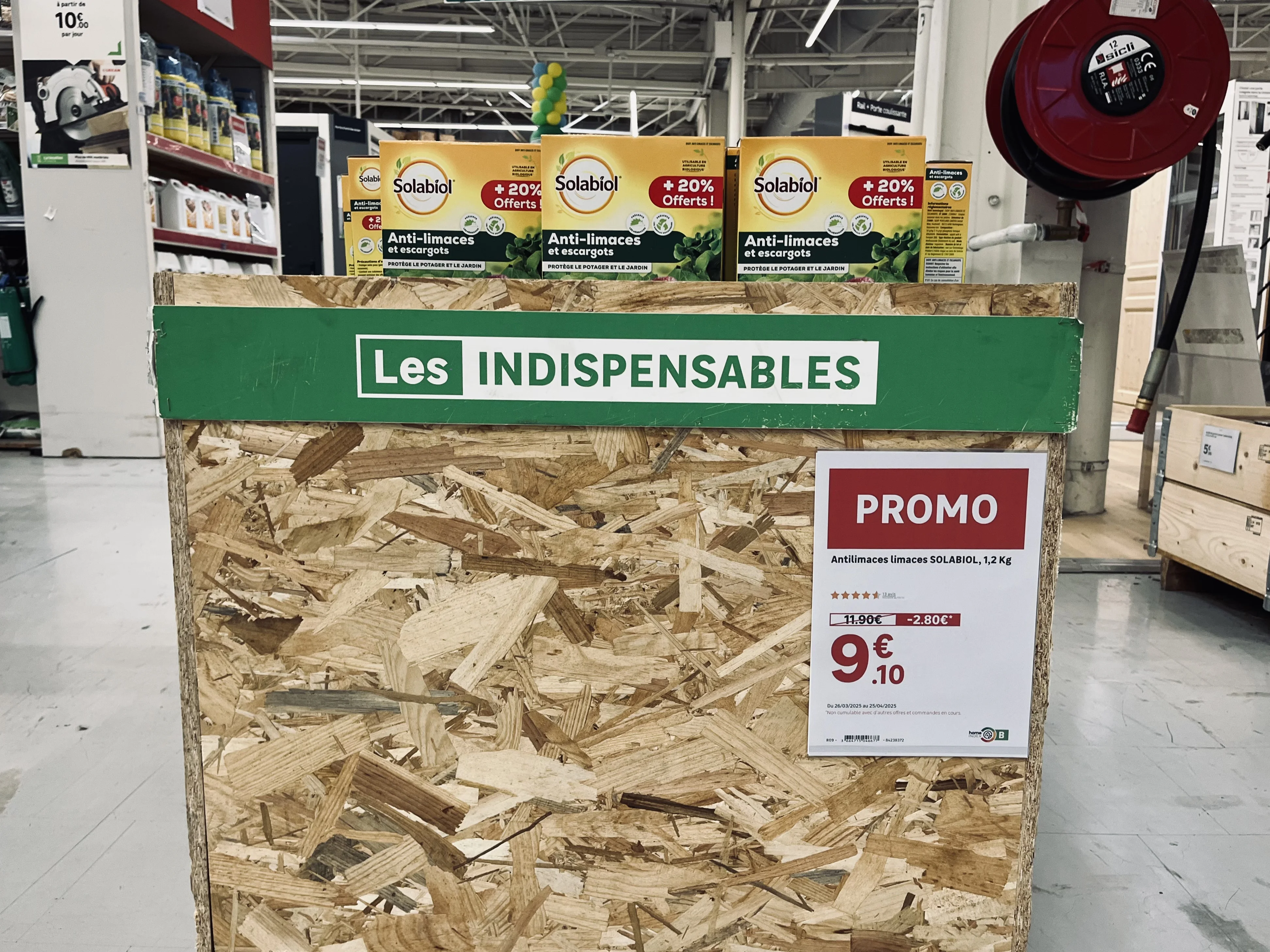
Paper signage includes all printed materials: shelf labels, promotional posters, technical sheets, strips, and end-cap or aisle-back signage. It is printed at headquarters, by a print shop, or directly in-store, and then placed by staff.
The false dilemma: the assumption that paper is synonymous with disorder
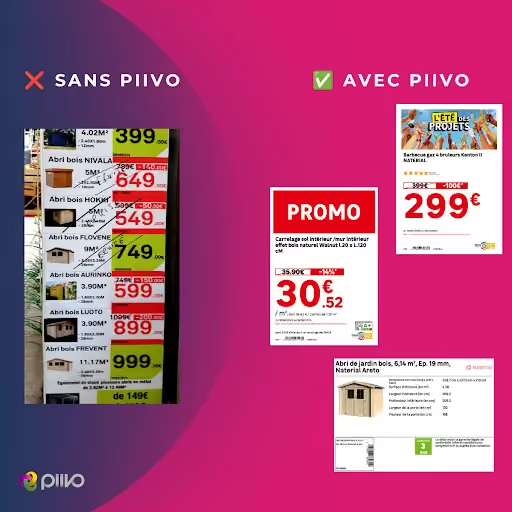
The negative image of paper stems from how it is often produced. In many stores, signs are created without tools connected to the data:
- By a graphic designer at headquarters. The result is polished, but the sign arrives late and struggles to keep up with last-minute price changes.
- By a store associate, using an office template. The sign is reactive, but the visual identity is not respected, prices or features are re-entered manually, and errors and typos multiply.
- With a creation tool that is not connected to the retailer's data. The layout is improving, but manual re-entry—and the associated risk of error—remains.
Faced with this situation, electronic shelf labels are often presented as the only way to automate: data pulled from the source, brand guidelines followed, and time saved for teams. The implicit message is simple: to get out of the mess, you have to ditch paper.
That is where the misunderstanding lies. The benefits attributed to electronic labels do not come from the screen itself. They come from the connection to data and the automation of creation. A paper sign generated automatically from an ERP and PIM, using templates that comply with brand guidelines, offers the same reliability.
A side-by-side comparison, criterion by criterion
No single medium wins on every criterion. The choice depends on the location, format, and usage.
What electronic labels really bring to the table
The distinct advantage of electronic labels is clear: when a price changes, there are no more labels to print or place. Updates happen remotely in seconds across all relevant labels. On shelves where prices change frequently, this gain in time and responsiveness is real.
However, it must be measured precisely. The initial shelf placement remains manual: each label must be installed and associated with the correct product, just like a paper label. And the investment (labels, communication infrastructure, integration) is not always justified by this gain alone, especially in aisles where prices rarely change.
Where paper remains the best choice
Large formats. As soon as the medium exceeds the size of a small shelf-edge label (A5, A4, A3, A2, large strips), electronic equivalents become very expensive at scale. For promotional signs and aisle signage, paper remains by far the most accessible solution.
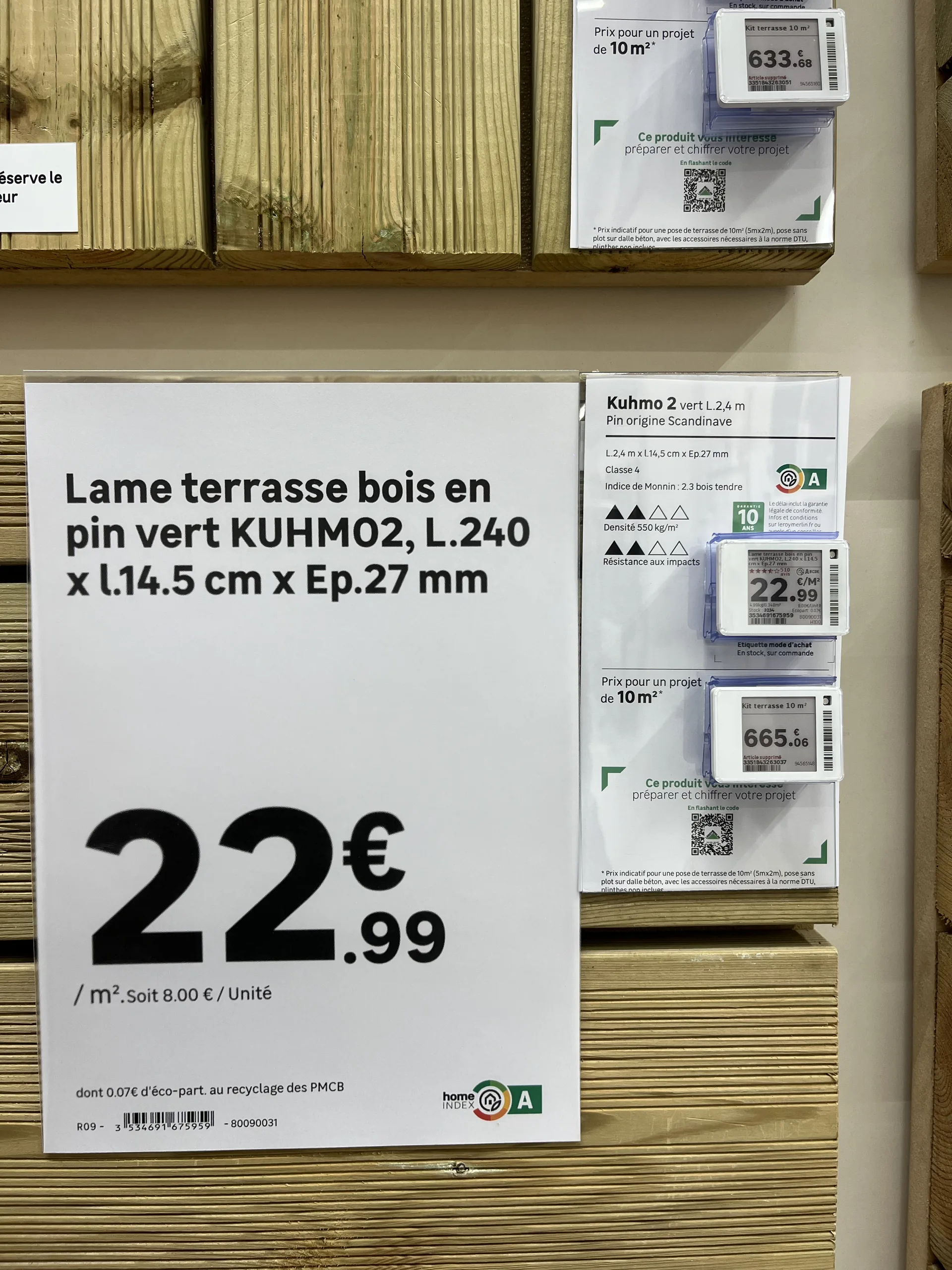
Humid or outdoor environments. Garden centers, lumber yards, and areas exposed to the elements: electronic labels are difficult to install and maintain there. Paper, on a suitable holder, is much better suited for these conditions.
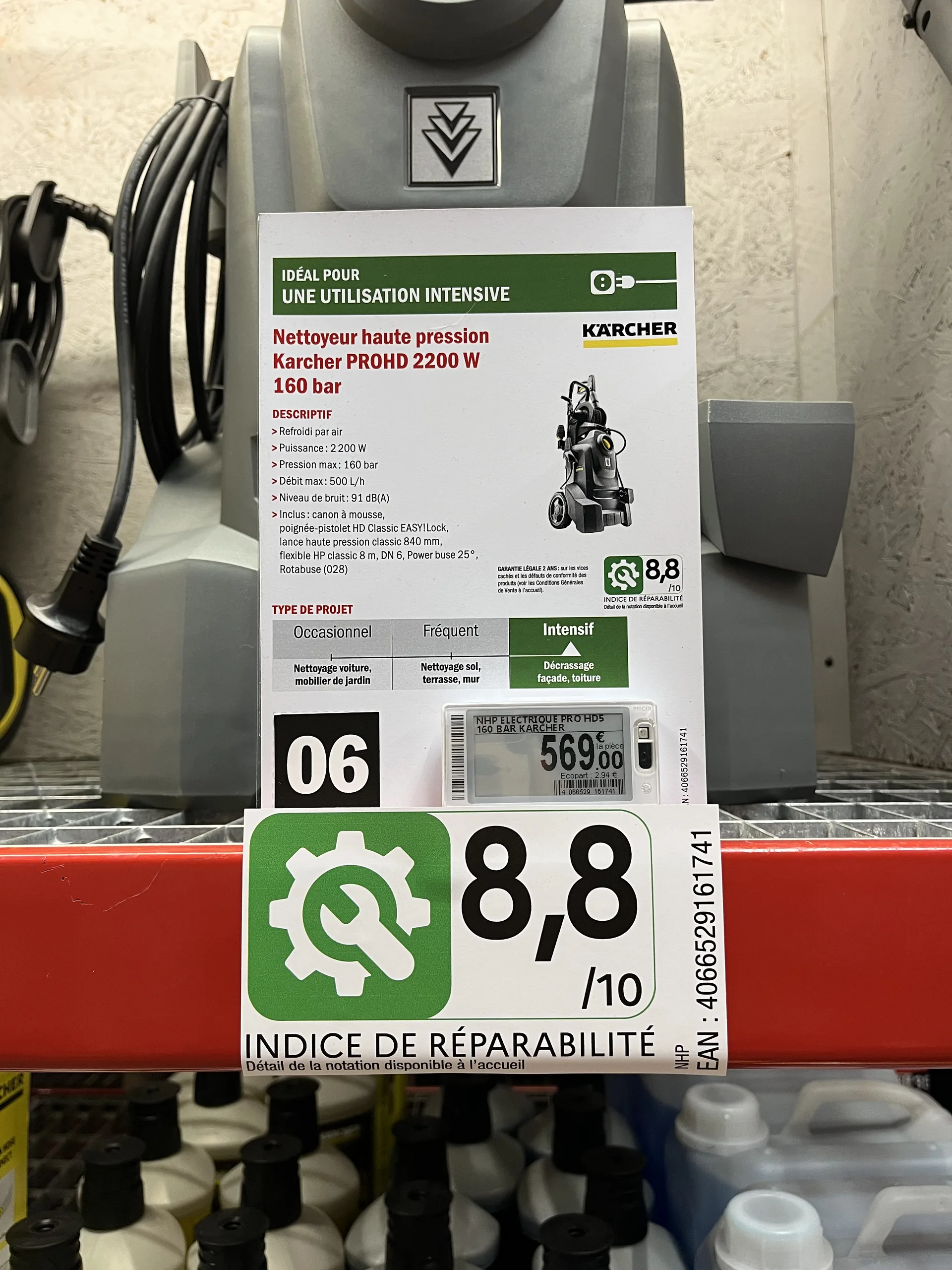
Detailed information. Technical specifications, icons, photos, and regulatory information like eco-participation fees or repairability scores: an electronic label screen cannot display everything. A paper sheet can.
Visibility. A promotional sign is seen from a distance and triggers a purchase. A shelf-edge label is read up close.
Choose format by format, not store by store
Rather than a total overhaul, the right approach is to decide on a case-by-case basis, depending on:
- Product placement : shelf edge, end cap, aisle, outdoor.
- Store type : supermarket, convenience store, garden center, building supply store.
- Format : small price tag, shelf strip, A4 or A3 poster, large format.
- The choice of the store itself, especially in a franchise network: some stores prefer to invest in electronics, while others want to maximize the return on their existing printer fleet.
This is what most retailers supported by PiiVO do in the home improvement, furniture, and appliance sectors: electronic shelf labels for some shelves, paper for promotions, large formats, and technical products, often within the same aisle.
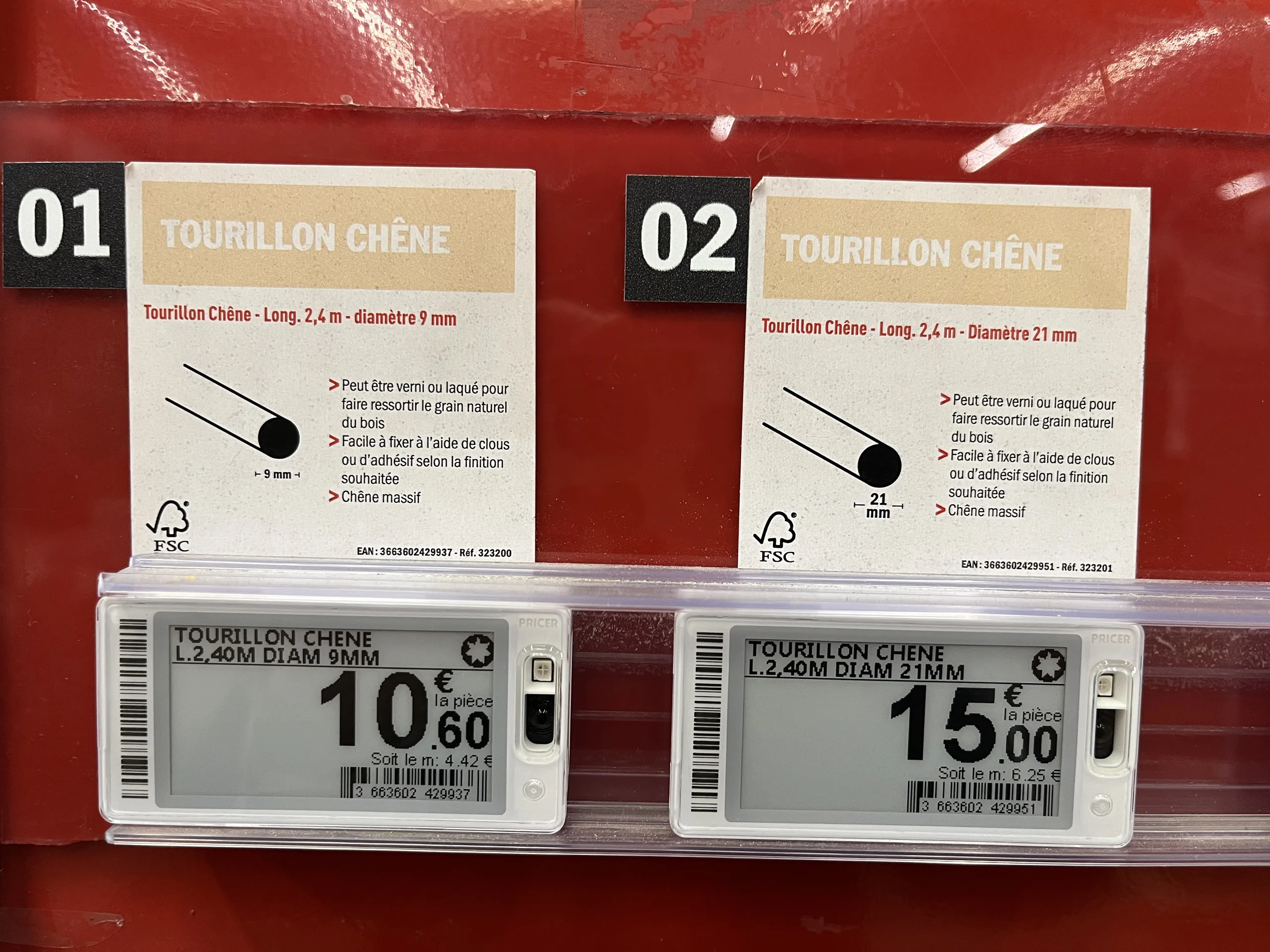
Maintaining the same benefits, regardless of the medium
To ensure this remains a simple choice of medium rather than a change in method, both must be managed in the same way. This is the principle behind a hybrid signage creation platform like PiiVO POSter :
- The same data : prices from the ERP, specifications from the PIM, and visuals from the DAM, for both paper and electronic formats.
- The same brand identity : templates defined at headquarters and applied automatically, regardless of the format.
- The same time savings : automatic or bulk creation, without re-entry, with direct in-store printing.
PiiVO is software: it sells neither electronic shelf labels nor printers, and works with the hardware chosen by the retailer. Several retailers fully equipped with paper have been able to automate their signage without committing to the investment of an electronic fleet, while keeping the option to switch to electronic where it makes sense.
Conversely, PiiVO can also feed electronic shelf labels directly. A home improvement retailer has been using this hybrid connection since 2026, with a gradual rollout underway in its stores: a single platform manages both paper signage and electronic labels. To learn more, see our article on how toautomate price label creation.
How to choose for your stores: 5 questions to ask yourself
- How often do your prices change, aisle by aisle? Electronic labels are primarily justified where prices change frequently.
- What formats do you use? The larger the signage, the more paper retains the cost advantage.
- Do your stores have humid or outdoor areas? Garden centers and lumber yards are still better served by paper.
- Do all your stores have the same needs? In a franchise network, each store can make a different choice.
- Is your paper signage already connected to your data? If not, that is the first priority: it provides a large portion of the expected benefits of electronic labels without changing the medium.
In summary
Electronic and paper labels are not mutually exclusive. Electronic labels provide remote price updates; paper retains the advantage for large formats, promotions, detailed information, and harsh environments. The choice is made format by format, depending on the location, store type, and the preference of each point of sale.
The most important thing lies elsewhere: it is the connection to data and automation that determine the quality of signage, not the medium. With a platform that manages both, the choice between paper and electronic becomes a tactical decision, not a process revolution.

.avif)