How can you ensure visual consistency across a retail chain?
Choosing the printer, tray, and margins by hand, document after document, wastes time and paper while increasing errors. Print routing, imposition, and automatic triggering for every price change: here is how to industrialize printing across an entire retail network.
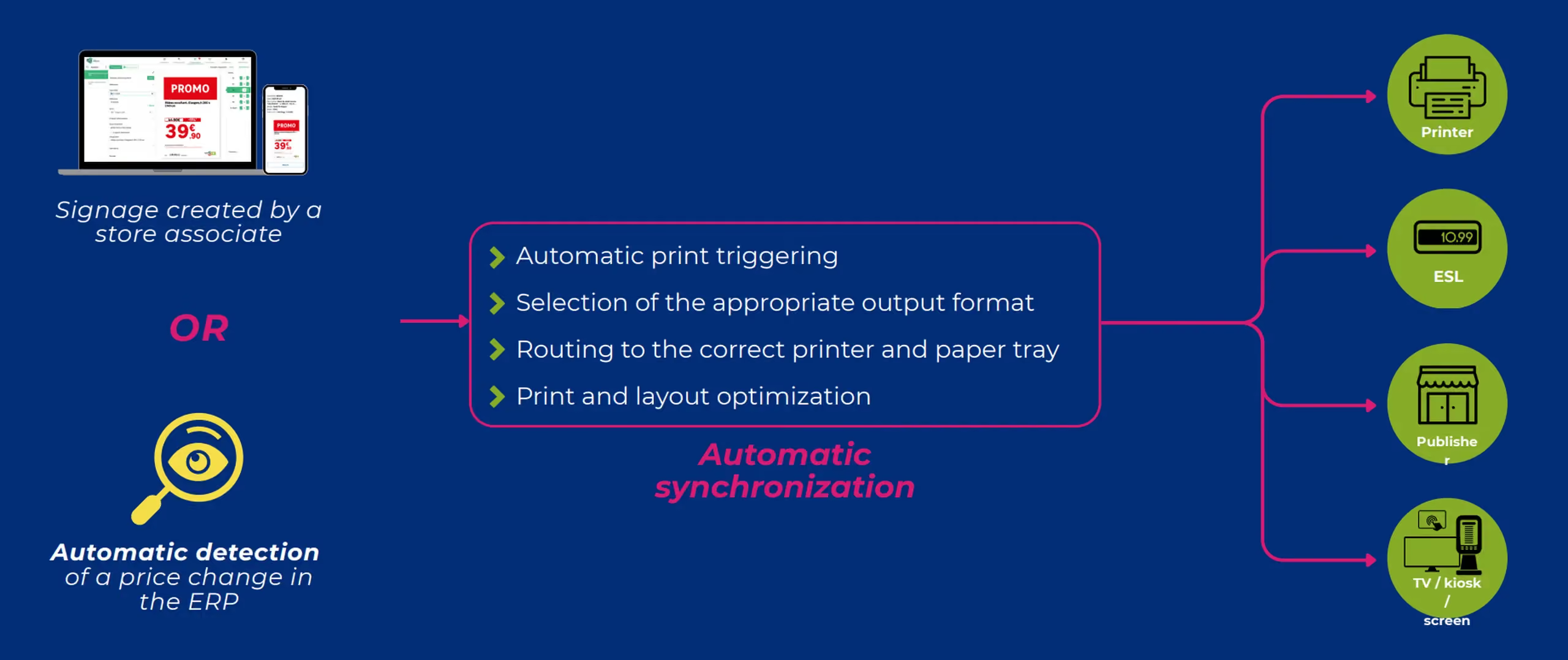
How do you streamline and scale in-store printing? By taking printer, tray, and print setting choices out of your team's hands: predefined rules automatically route every document to the right device, in the right format, with the right settings—even grouping small formats onto a single sheet. When connected to your signage and shelf-edge label software, printing can even trigger automatically with every price update.
A correct sign starts with correct data. But between the finished file and the support hanging on the shelf, there remains a step that many retailers have not yet automated: printing.
In many stores, it is still the staff member who chooses the printer, tray, paper, and margins, document after document. For one store, it is a waste of time. For a network of several hundred stores, with daily price changes, it is a constant source of errors. Here is how to industrialize it.
The cost of manually managed printing
When printing relies on staff, the same problems recur in every store:
- Wasted time. For every document, you have to choose the printer and adjust the print settings.
- Setting errors. Wrong margins, the wrong paper type, or the wrong tray: the document goes in the trash and must be reprinted. Meanwhile, the shelf remains without a label.
- Bottlenecks around the printer. Three people printing at the same time means trays and paper types get mixed up.
- Wasted paper. A small format printed alone on an A4 sheet, even though several could fit on the same page.
- Impossible spikes in volume. A national price change or a promotional event generates thousands of documents at once, which each store must process by hand.
Print routing: sending every document to the right printer
The principle is simple: it is no longer the staff member who decides where the document goes; rules do. These are defined once, during setup, based on the sign's template (or type), format, paper type, store, and department.
In practice, each document is sent to the correct equipment:
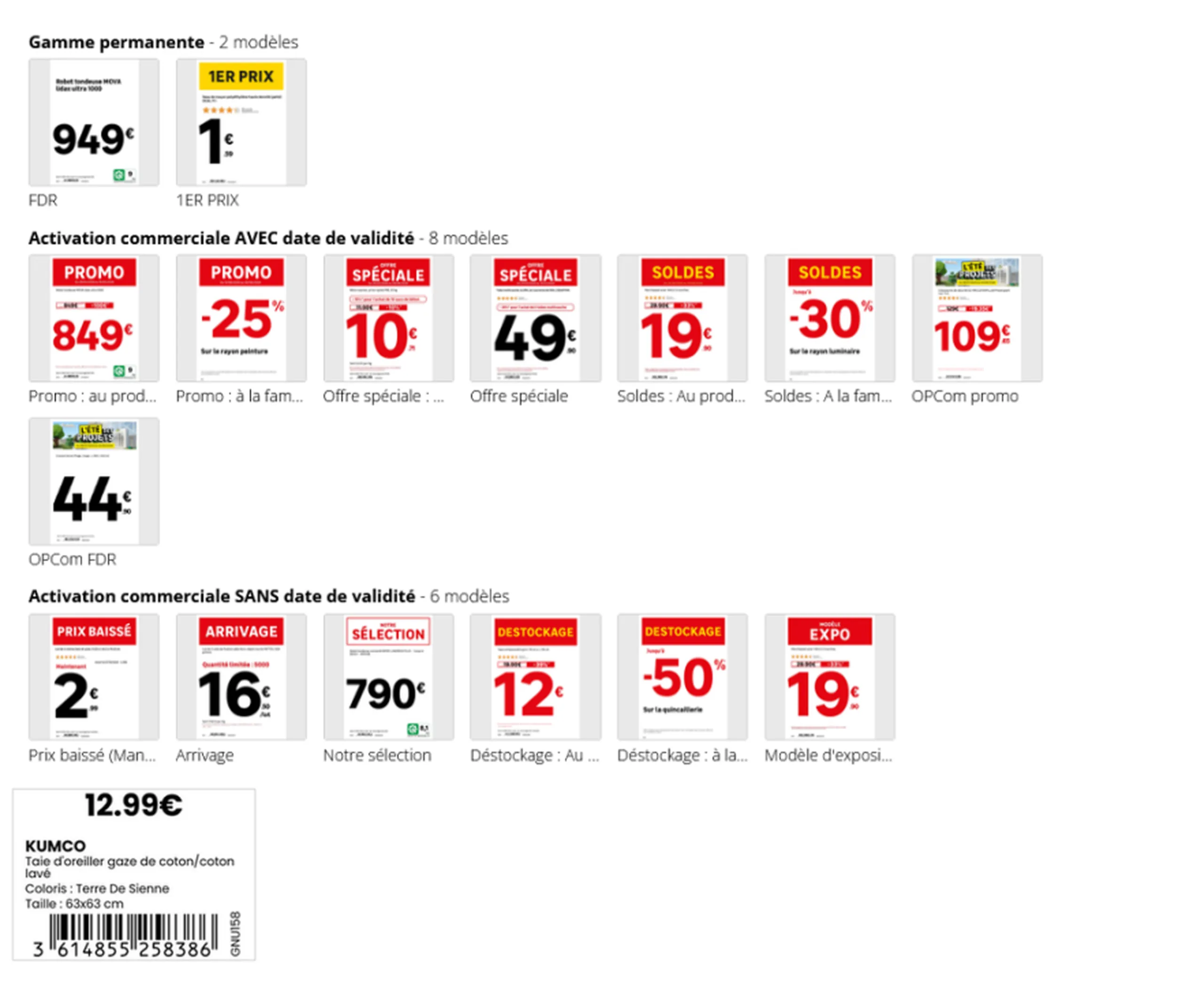
- Small adhesive labels go to the roll printer.
- A4 promotional signs on pre-printed letterhead go to tray 2 of the copier.
- Very large formats go to the plotter, a large-format printer that can be two meters long.
Every print job also includes the correct settings for the specific printer: margins, crop marks if needed, and color profiles. The staff member no longer has to choose anything, and the document comes out correct on the first try.
There is no closed list of formats: from small labels to banners, the only limit is the store's printing equipment.
Imposition: grouping small formats to save paper
Imposition consists of grouping several small formats onto a larger sheet before printing. Shelf talkers in strip format, for example, are assembled on A4 sheets—one, two, or three strips per line—and can be printed on pre-cut paper.
The same logic applies to small labels, printed in full sheets rather than one by one, or for small signs: four A6s fit on one A4 sheet instead of just one.
Imposition rules are set once during configuration and then applied without user intervention. Across the volumes of a retail network, the paper savings are significant.
From sign to paper, without a single click
Routing eliminates setting errors. The next step eliminates human action altogether.
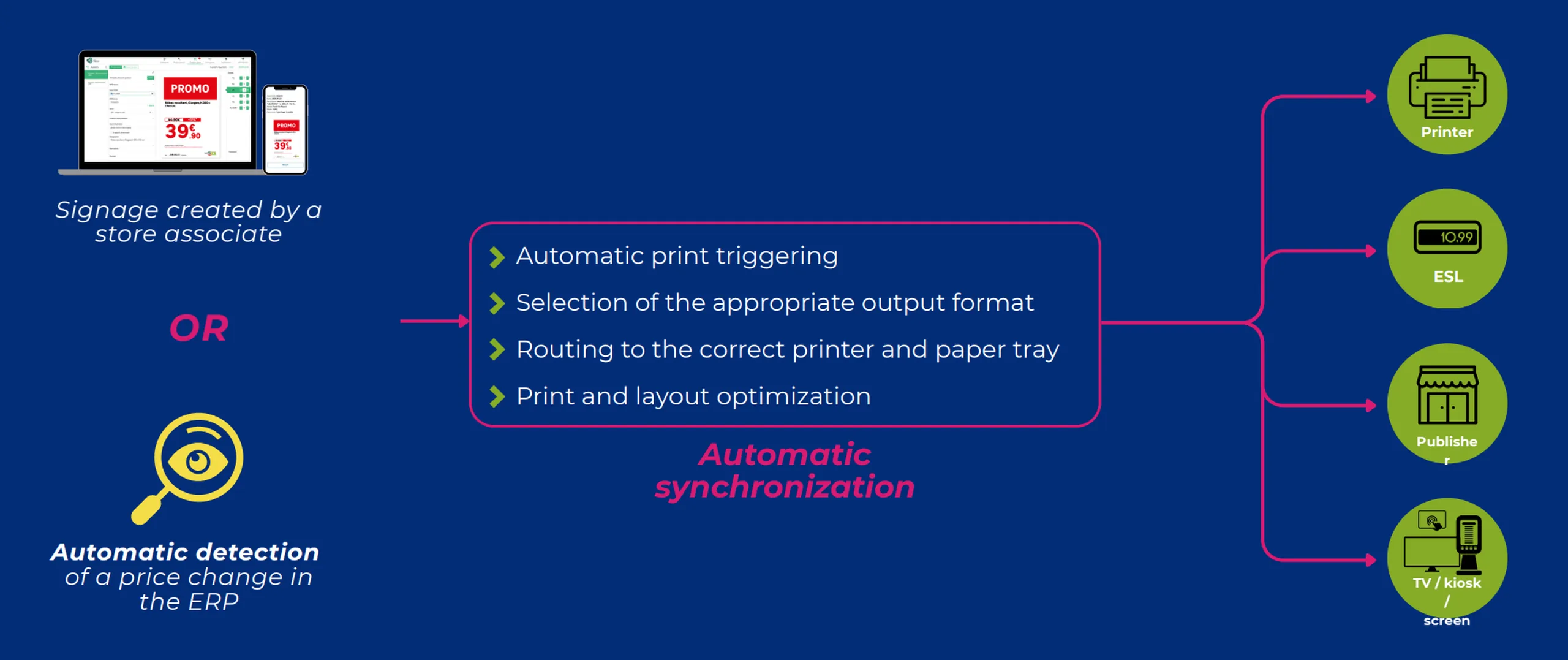
A print agent like PiiVO Printer connects to the software that produces documents: sign and label creation tools, as well as quotes, ERPs, or internal applications, as long as they generate PDFs. Each produced document is sent to print automatically, to the right place.
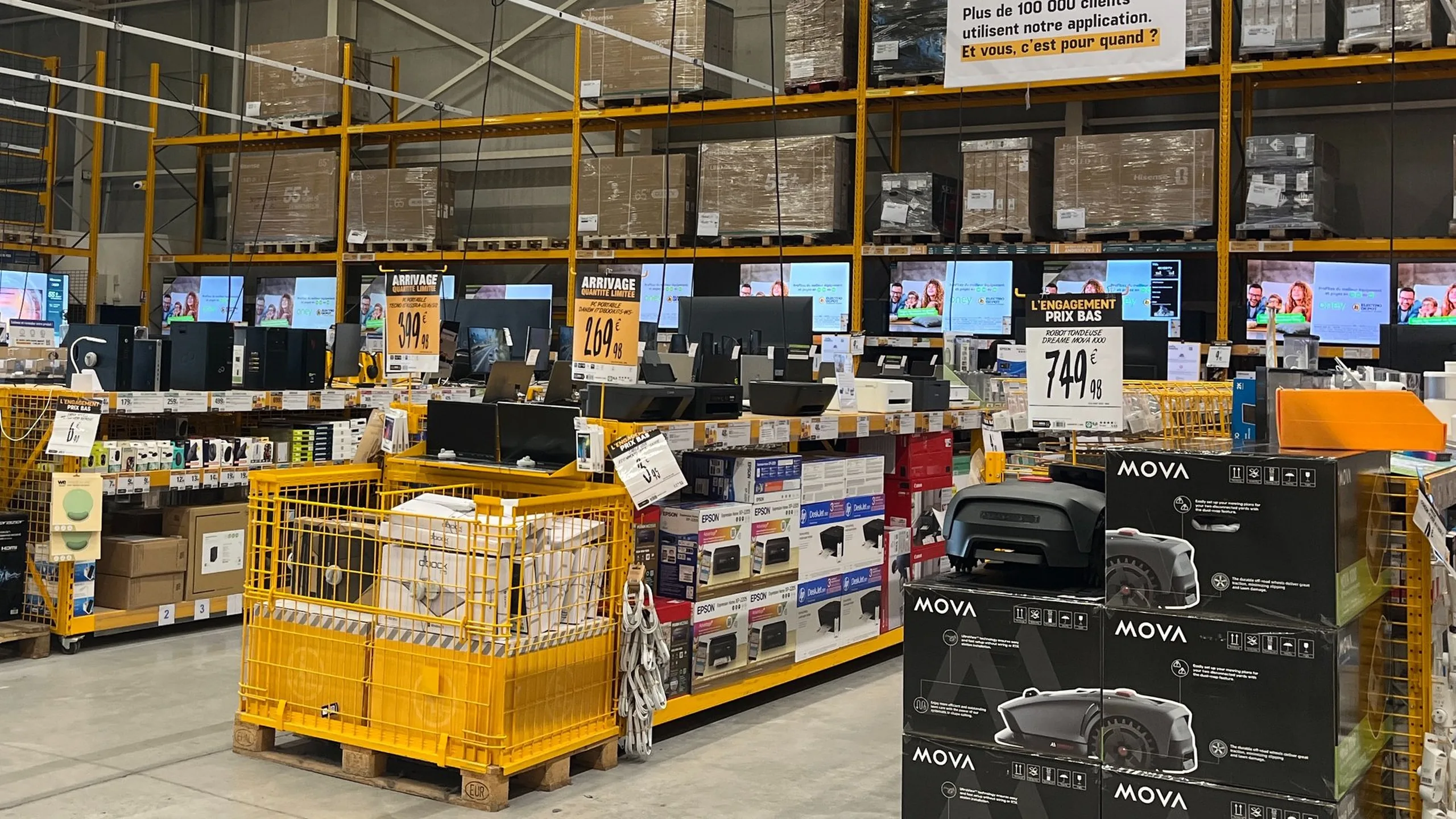
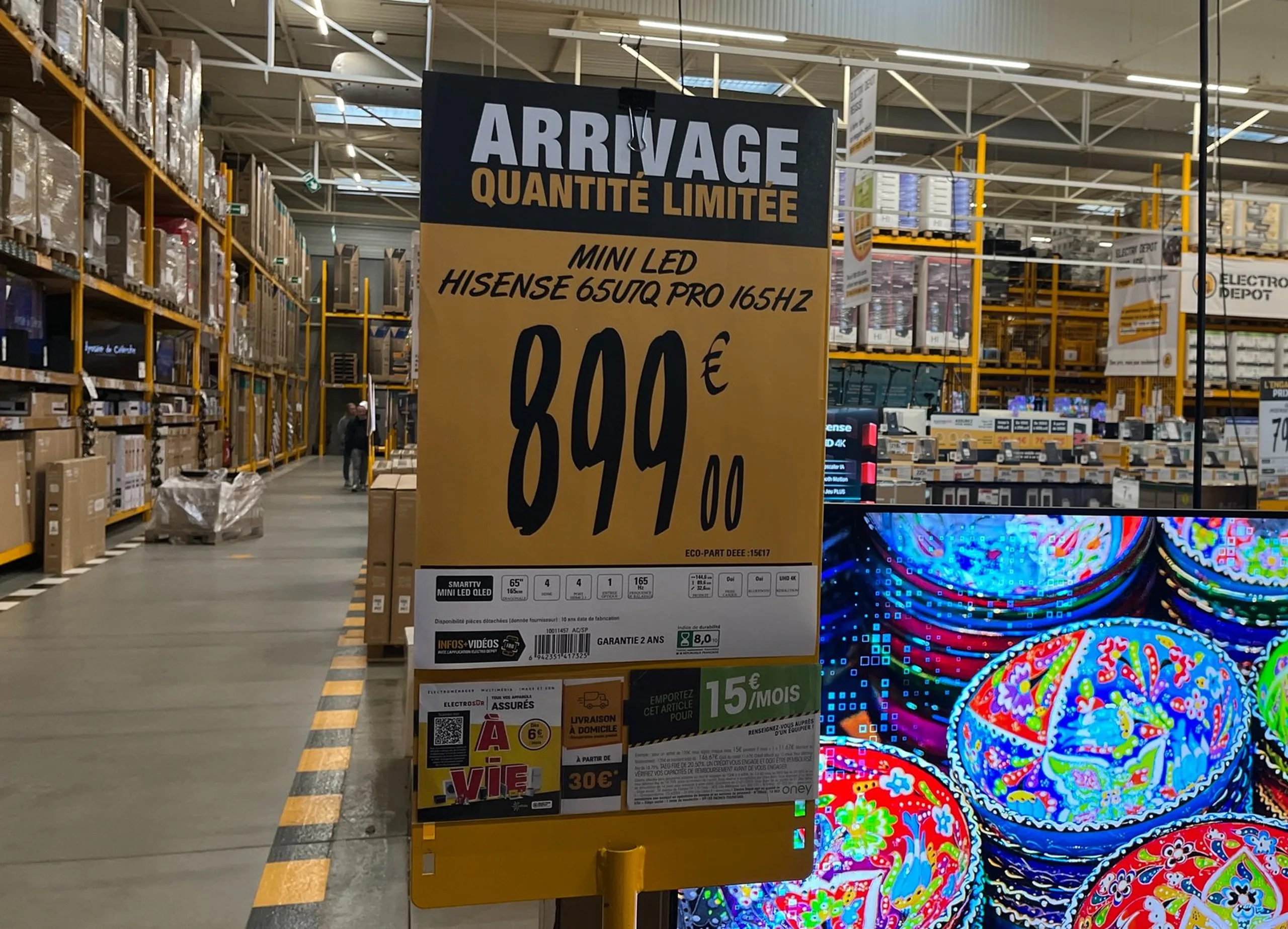
At Conforama and Electro Dépôt, new price signs and labels linked to a price change are sent to print automatically, in real-time, every day. Mass printing involves millions of documents. Previously, salespeople had to intervene manually for every price change.
This is also what makes regulatory reprints possible on a network scale. On January 2, 2026, Conforama and Electro Dépôt reprinted all signs in all their stores to include the WEEE eco-participation fee on every label.
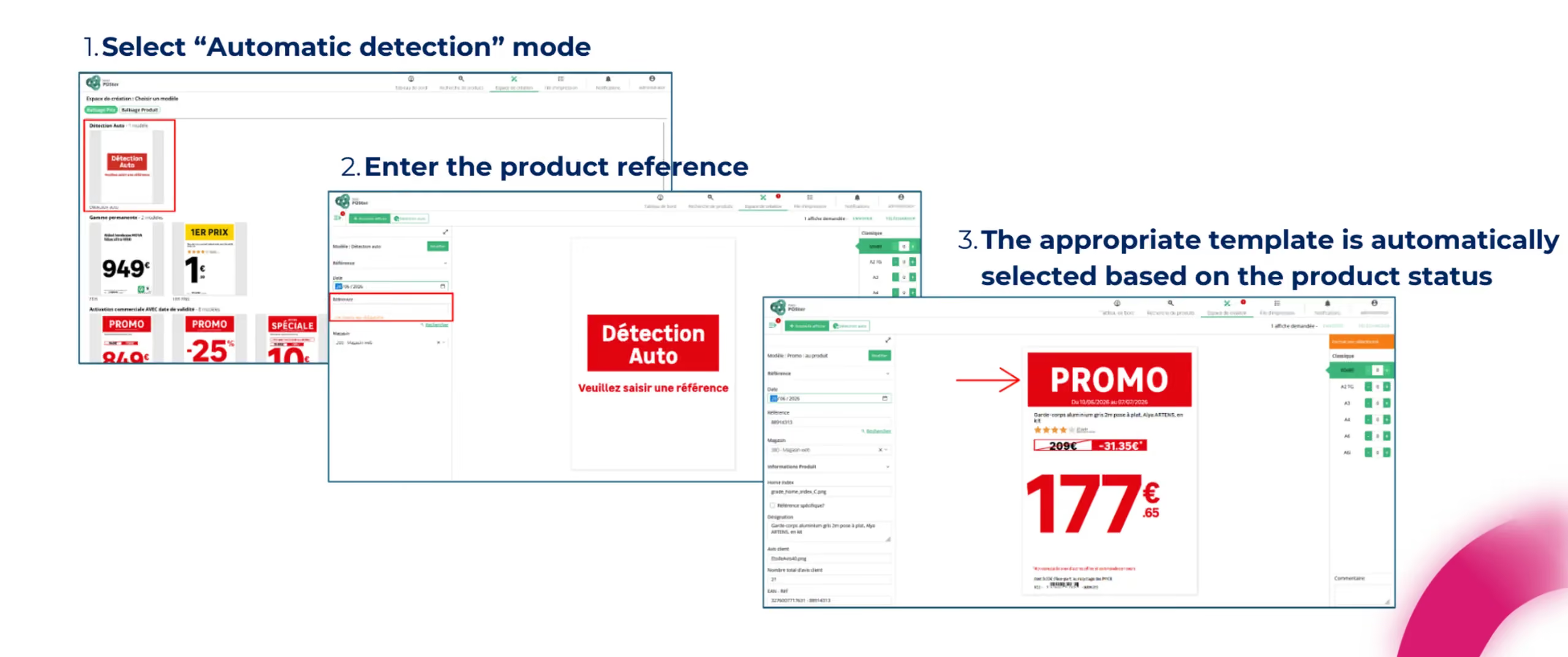
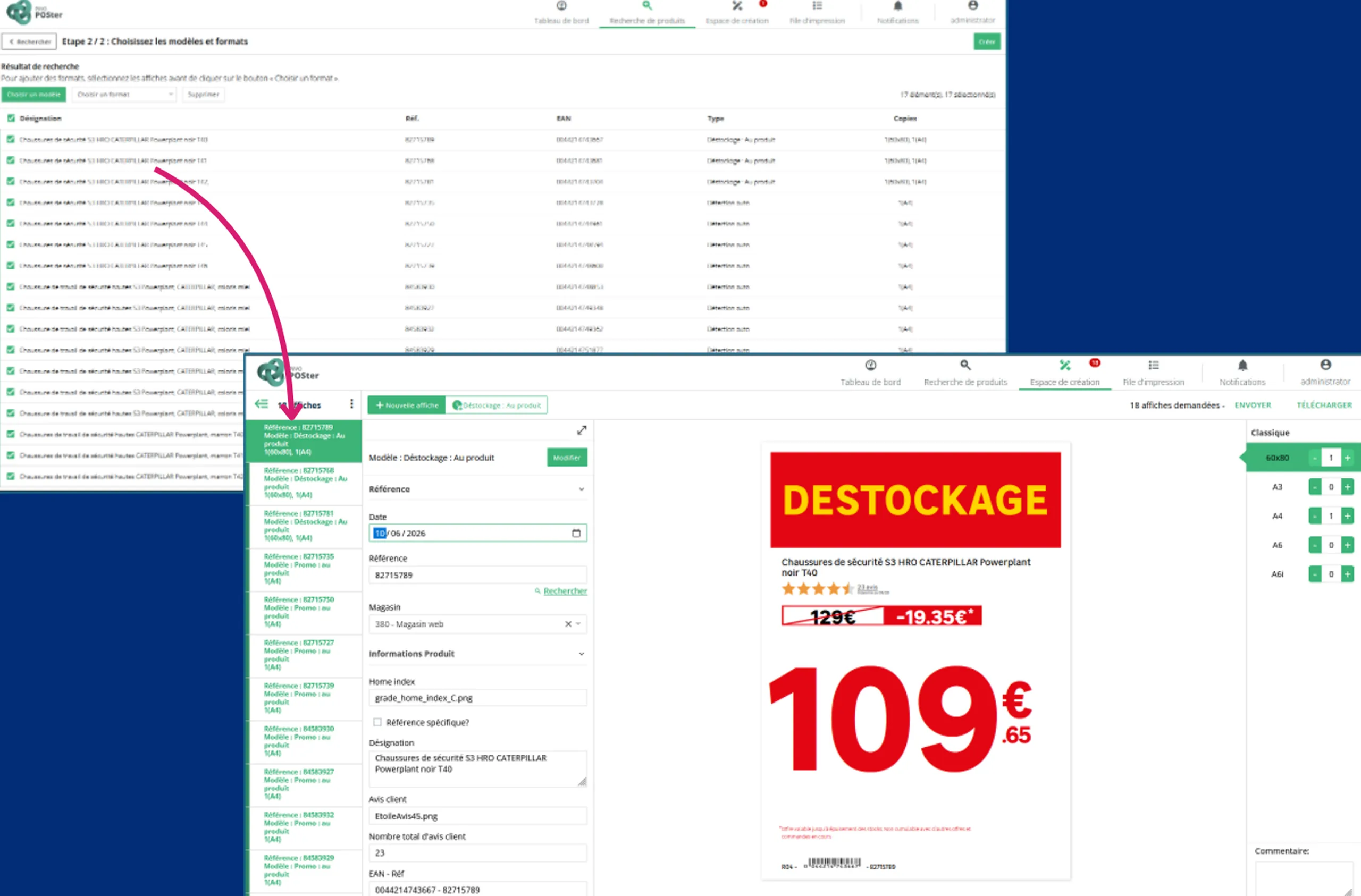
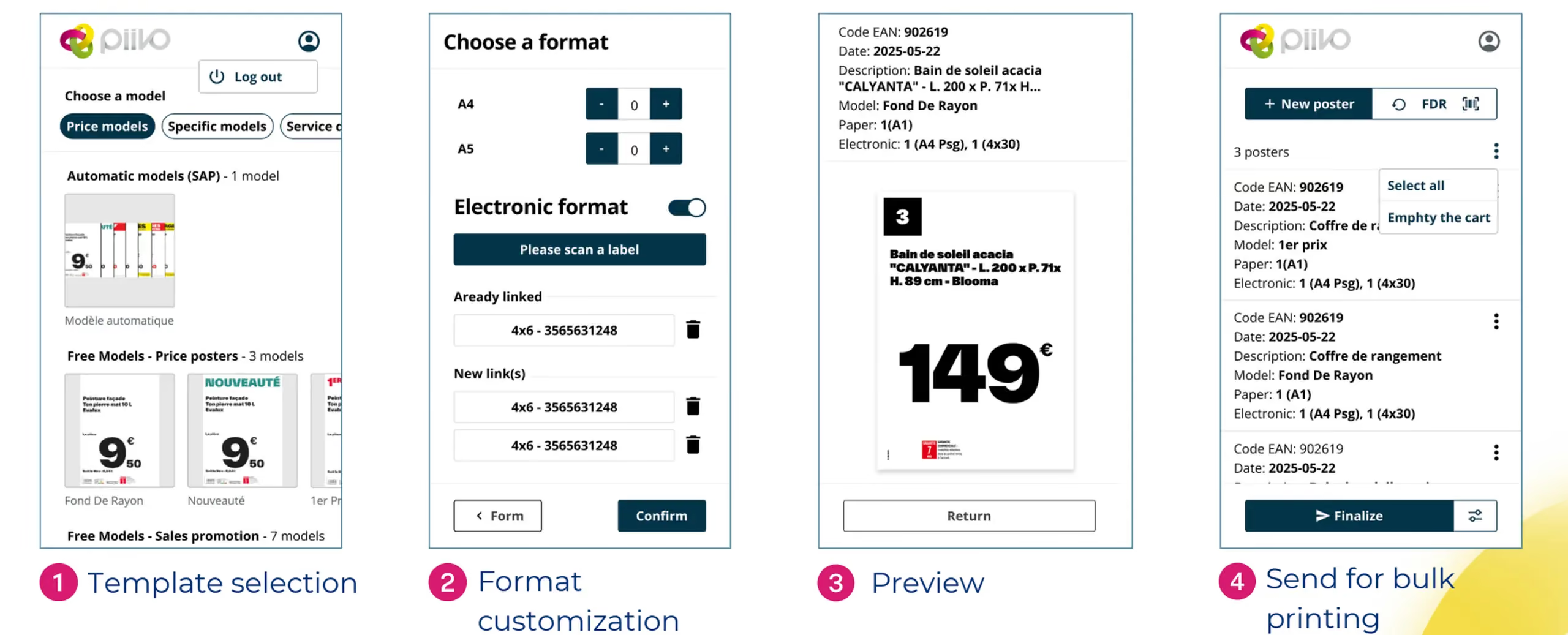
With PiiVO POSter, integration is native: once approved, a sign can be sent to print in a single click—or with zero clicks when generated automatically from your product data. To learn more about this end-to-end workflow, read our article on how to automate label and sign creation from product data to print.
Headquarters and stores: centralizing and tracking print jobs
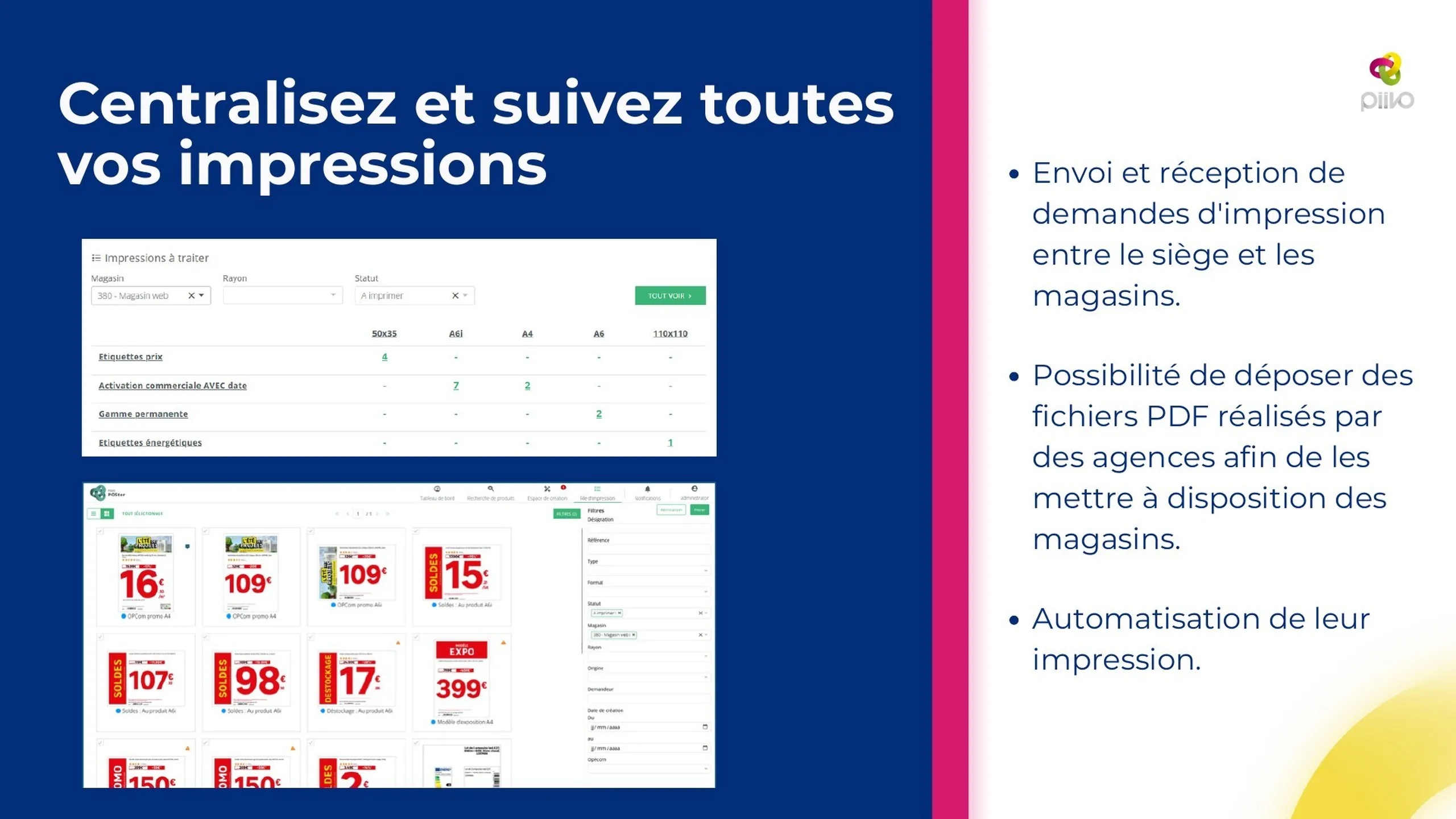
Industrializing printing also means knowing what was printed, where, and when. A signage platform can centralize the print history of the entire network and organize exchanges between headquarters and stores:
- Print requests sent and received between headquarters and stores.
- PDF files created by agencies, uploaded once and made available to all relevant stores.
- Automatic printing of these documents, according to the same routing rules.
In the field, the mobile app completes the setup: team members scan a product on the shelf and trigger printing directly from their device.
Where should the print agent be installed?
Three deployment modes are available, chosen during setup based on the retailer's organization:
- Locally, on a workstation in each store, which independently manages the store's printers.
- On a central server, which distributes print jobs across the entire network and keeps print rules under headquarters' control.
- SaaS, hosted and maintained by PiiVO in its cloud.
In all three cases, the agent orchestrates the existing fleet: there is no need to replace store printers.
Industrializing in-store printing: the checklist
- Inventory the fleet for each store: printers, trays, paper types, and formats.
- Assign each document type to a specific printer and tray.
- Set the configurations for each printer: margins, crop marks, and color profiles.
- Define imposition rules for smaller formats.
- Connect the tools that generate the documents to trigger printing automatically.
- Centralize monitoring of print jobs between headquarters and stores.
To handle high-volume surges, check out our article on signage for sales events and Black Friday, as well as our complete guide to in-store shelf signage.
In summary
In-store printing should no longer require choosing a printer, tray, or margin. With routing rules, imposition, and a connection to the tools that generate the documents, every sign comes out in the right place, in the right format, and on the first try, whether the network has a few dozen stores or several hundred.
The benefit is twofold: time given back to teams, and a sales floor where signage finally keeps pace with price changes.