Home
Our ressources
Omnichannel consistency
&
Franchise networks
POS and POP: How to succeed with your in-store promotional materials

POS and POP: How to succeed with your in-store promotional materials

Published on
00
min read
Omnichannel consistency
Franchise networks
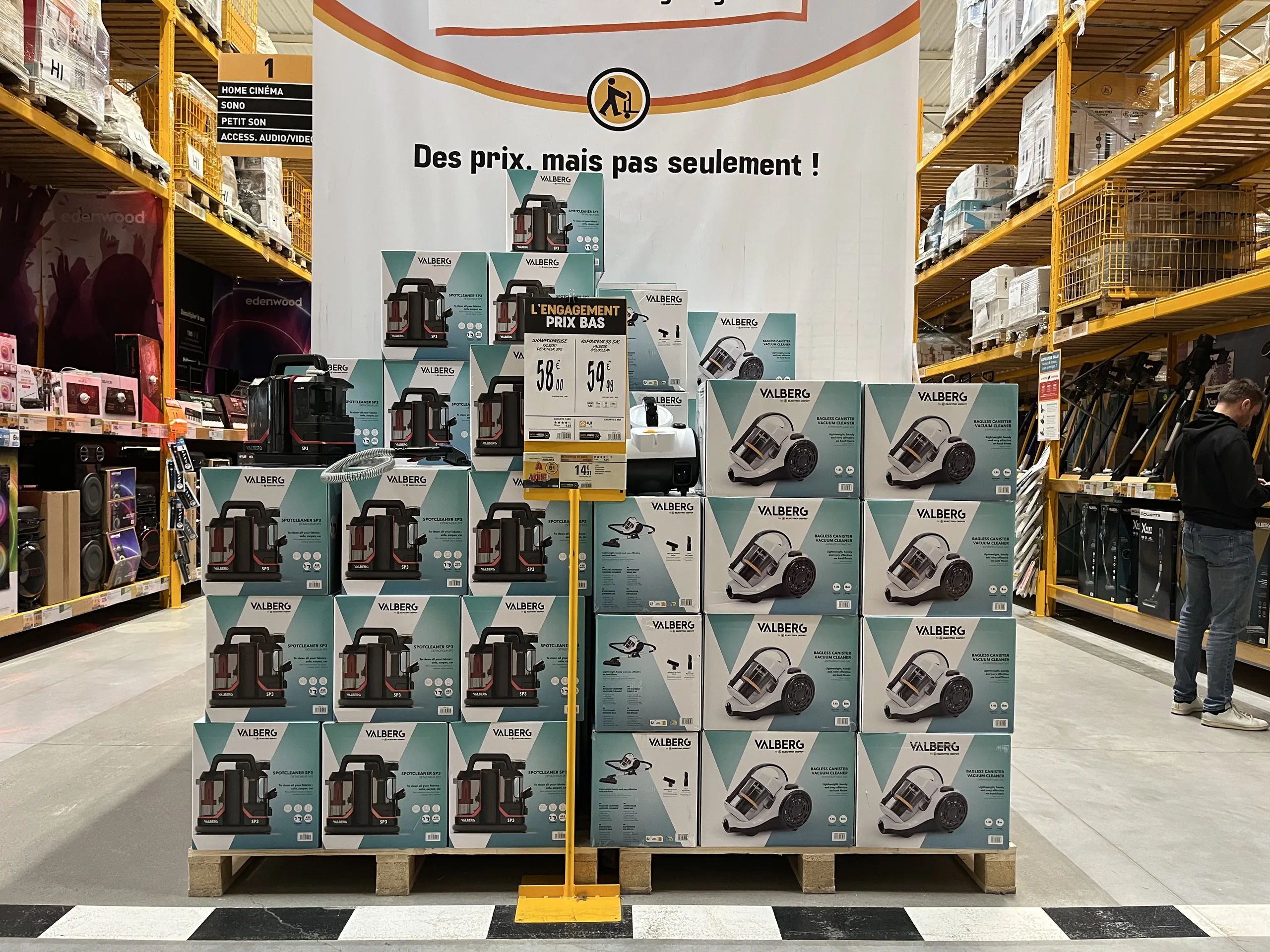
Palette de produits d'électroménager en allée de magasin, avec une grande bannière de message et une affiche prix sur pied
Table of contents

How can you ensure visual consistency across a retail chain?

POS or POP—point-of-sale advertising or point-of-sale information: definitions, key materials, what makes POS truly effective, and how to consistently deploy a promotional campaign across an entire retail network.

What is the difference between POS and POP?POS (point-of-sale advertising) includes materials that grab attention and encourage purchases, such as promotional posters, hanging banners, and shelf talkers. POP (point-of-sale information) includes materials that inform and guide the customer, such as prices, product specifications, services, and store hours. In-store, the two are often combined on the same display, and their effectiveness depends primarily on the accuracy of the information displayed and its consistency across the entire network.

Promotional posters, labels, shelf talkers, and hanging banners: a store has thousands of materials that speak to the customer on its behalf. These are what signal a promotion, explain a product, provide price reassurance, or highlight a service.
When well-designed, they sell. When poorly designed, outdated, or incorrect, they go unnoticed or even drive customers away. Here is how to distinguish between POS and POP, which materials to use, what makes POS truly effective, and how to consistently deploy a campaign across an entire retail network.

POS and POP: What are we talking about?

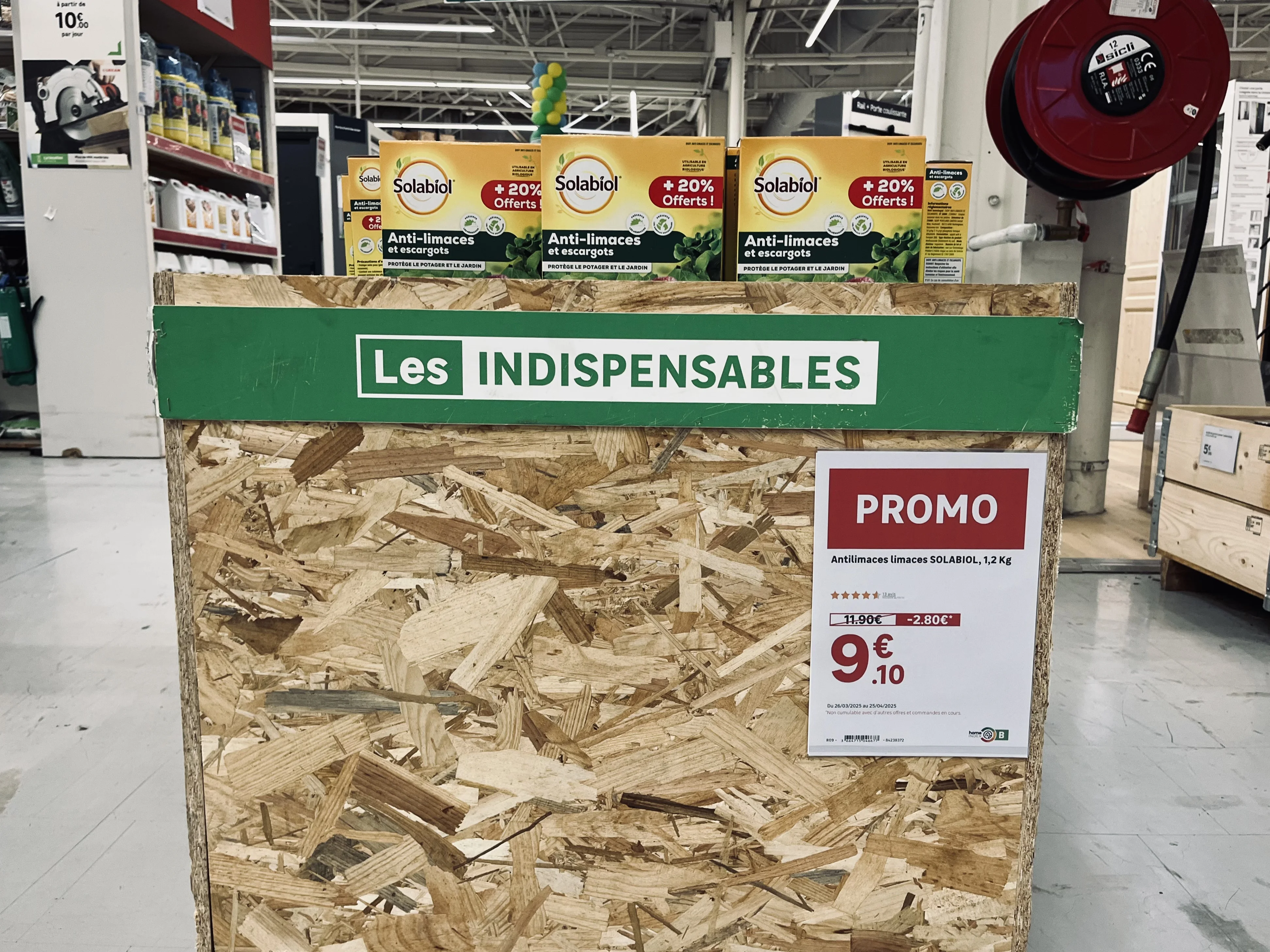
POS, or point-of-sale advertising,refers to all communication materials installed in a store to attract customer attention and trigger a purchase: promotional posters, hanging banners, banners, shelf talkers, and end-cap displays. It most often accompanies a sales event, a product launch, or a key promotional period.
POP, or point-of-sale information,
includes materials that inform and guide: price tags, product sheets, technical specifications, mandatory disclosures, aisle signage, financing terms, services, and store hours.
In practice, the line is blurred. A promotional poster carries both a call-to-action message (POS) and a price, description, and mandatory disclosures (POP). This is why retailers are increasingly managing them together, using the same data and the same brand guidelines.

The main types of POS and POP materials

Names vary from one retailer to another, but the same major categories of signage are found everywhere.

Sign type
Purpose
Typical uses
Price sign
PurposePOS and information: highlight a price
Typical usesPromotion, entry price, was-price, campaign
Product sign
PurposeInformation: describe the product
Typical usesFeatures, functions, mandatory information
Product list or bundle sign
PurposePOS: present several products
Typical usesBundles, sets, room settings or displays
Financing sign
PurposeInformation: explain payment options
Typical usesInstalment payments, credit terms
Services sign
PurposeInformation: promote a service
Typical usesHome delivery, assembly, click and collect
Retailer-specific sign
PurposePOS or information as needed
Typical usesIn-store workshop, opening hours, test area
Any format, from small shelf labels to large banners. Names vary from one retailer to another.

Added to these are posters specific to each retailer: an in-store workshop, opening hours, or a demonstration area. As for formats, there is no exhaustive list: from small shelf-edge labels to strips, from A6 to A2, all the way up to large tarpaulins and hanging banners.
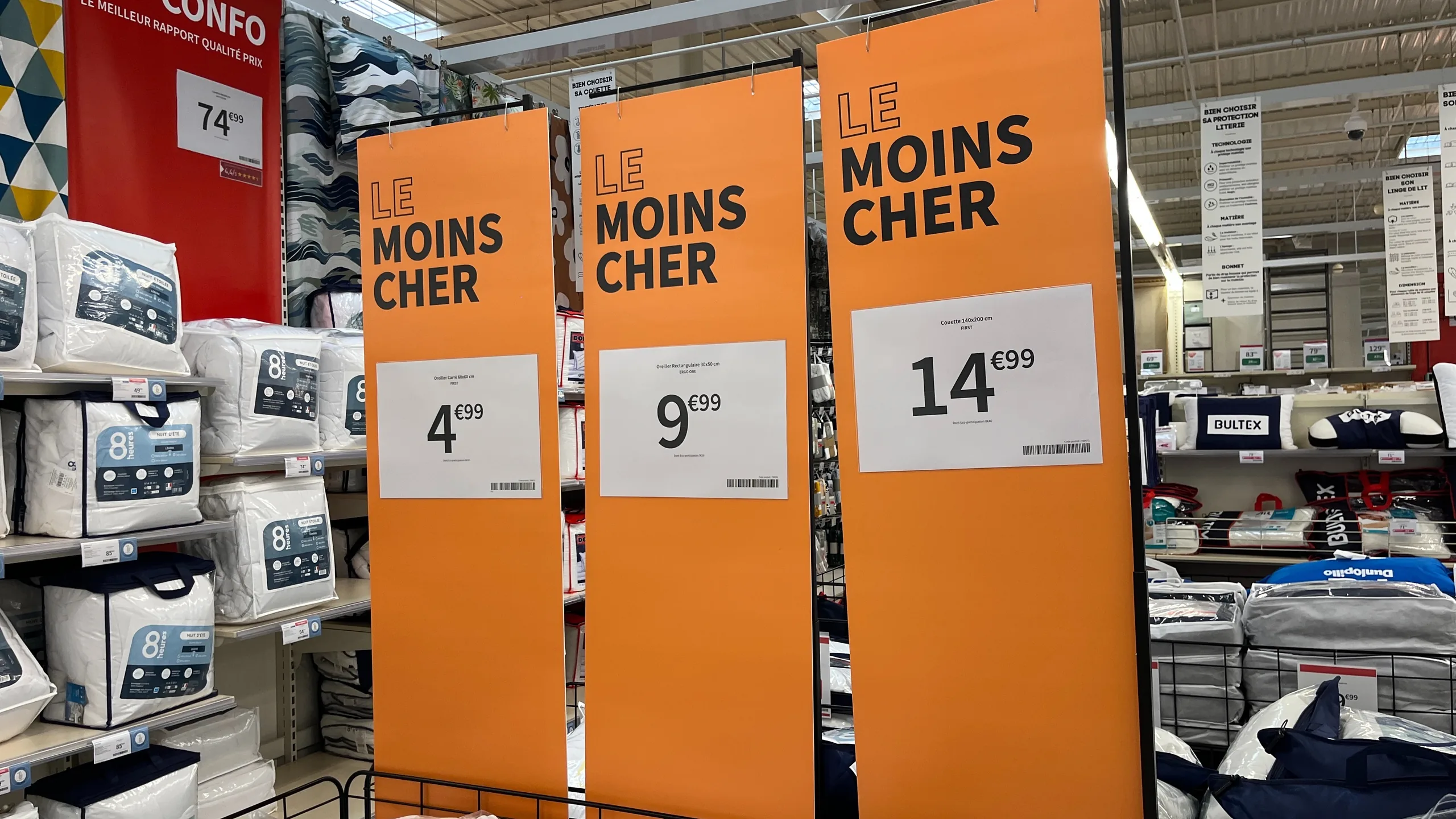
Trois kakémonos orange « Le moins cher » suspendus au-dessus d'un rayon de linge de lit, chacun avec son affiche prix
Hanging banners to catch the eye from the aisle, a price poster for every product.

What makes POS effective: a shelf that sells itself

Effective POS is not necessarily the most spectacular. It is the kind that allows the customer to understand the offer and make a choice without needing a salesperson. Olivier Personne, Director of Concept, Merchandising, and Sales at Leroy Merlin France, summarizes it this way:

"The best salesperson in the store isn't Thomas. It's the shelf. In other words, the shelf must be self-selling, and the signage we place on it, beyond just the product price, must enable the customer to be autonomous."

In practical terms, this comes down to three requirements:

  1. Empower the customer. The signage answers the questions customers have while looking at a product, without them needing to wait for a salesperson. Frédéric, a department manager at the Leroy Merlin store in Lesquin, calls it a "silent salesperson": "a sales aid that helps answer some of the customers' questions directly through the display."
  2. Differentiate comparable products. When faced with three drills or four vacuum cleaners, a few well-chosen and prioritized criteria are enough to guide the choice. For Olivier Personne, effective signage "allows you to differentiate one product from another directly on the shelf using just a few criteria."
  3. Display the most useful information, and only that. A cluttered sign won't be read. Clarity in your offering comes from choosing the right features, defined once for an entire product category.
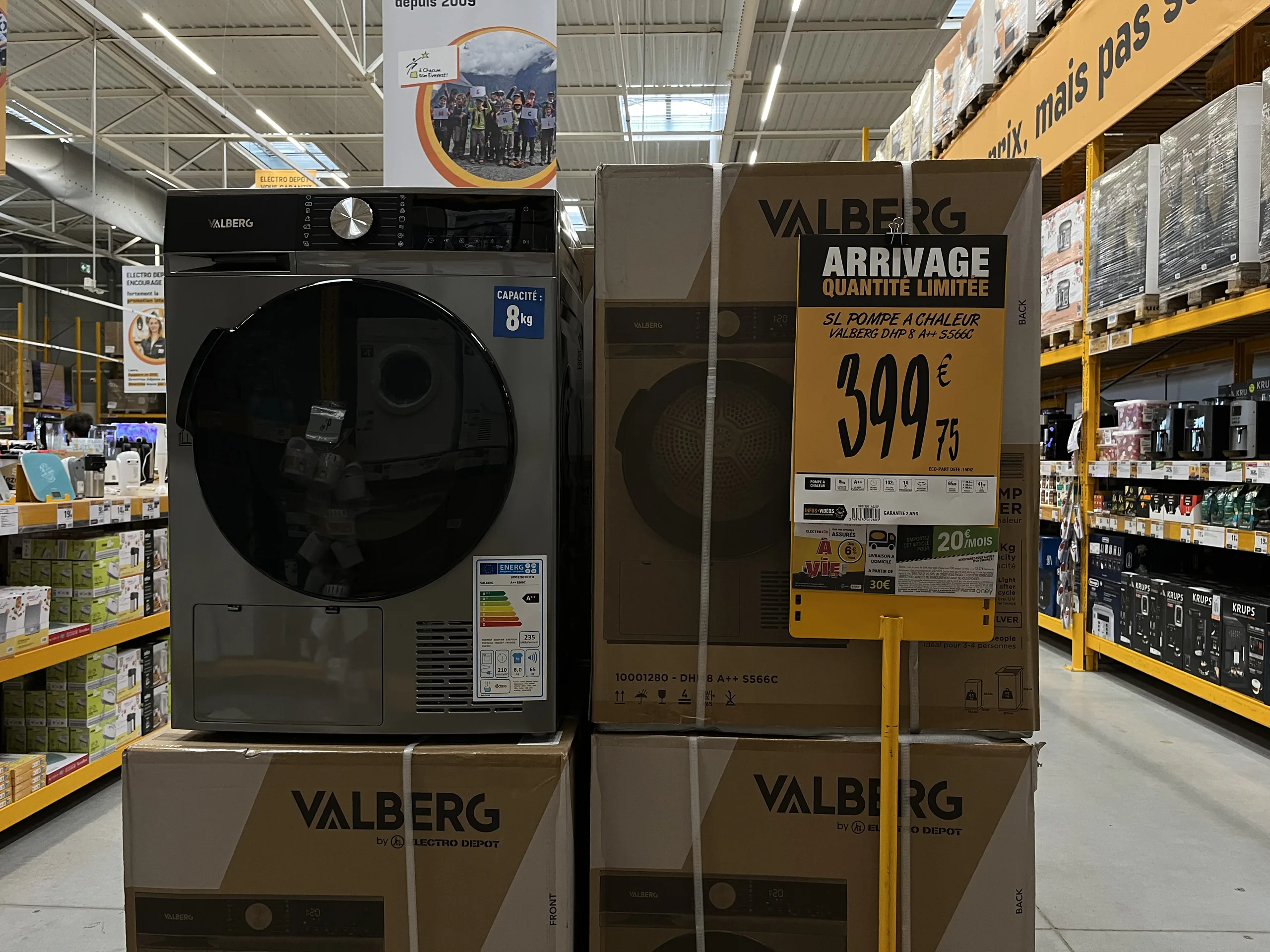
Affiche « Arrivage quantité limitée » sur pied devant un sèche-linge, avec prix, désignation et étiquette énergie
A hook to attract, a readable price, and mandatory information: POS and store signage on a single medium.

Why so many materials go unnoticed or hinder sales

POS materials rarely fail because of their design. They fail because they arrive too late, in the wrong format, or with incorrect information. The most common causes:

  • A sign designed at headquarters that arrives after the promotion has started, or in a format that doesn't fit the store's layout.
  • A sign recreated in-store using an office template, which respects neither the brand guidelines nor the reference data: units of measurement different from those chosen by headquarters, spelling errors, or unauthorized photos.
  • A price that is no longer up to date, or worse, a promotional price that is higher than the original price.
  • Materials that contradict each other from one location to another, between the sign, the shelf label, and the checkout.

In all these cases, the problem isn't creativity. It's the production chain for the materials.

Deploying a POS campaign across an entire network

In a network of dozens or hundreds of stores, the same campaign must arrive everywhere, at the right time, in the right formats, and with the right prices. The method that works is to link the production of materials to the brand's central systems, which already contain the prices, products, and commercial operations.
With a platform like PiiVO POSter, connected to these systems, a campaign is deployed in two ways:

  1. Store-initiated. The sales associate selects their department or products, and the sign is generated with the current campaign's branding and information, without needing to re-enter anything.
  2. Automatically. As soon as a new campaign is detected in the central systems, all corresponding signs are generated and sent for printing in the relevant stores.

This is how retailers manage their major events—sales, Black Friday, Christmas, or back-to-school—as well as less visible needs, such as a store opening, where all signage must be produced at once, or regulatory changes. On January 2, 2026, two client retailers reprinted signs for all their stores to include a new notice related to WEEE (Waste Electrical and Electronic Equipment). For managing peak activity, see our article on signage during sales and Black Friday.
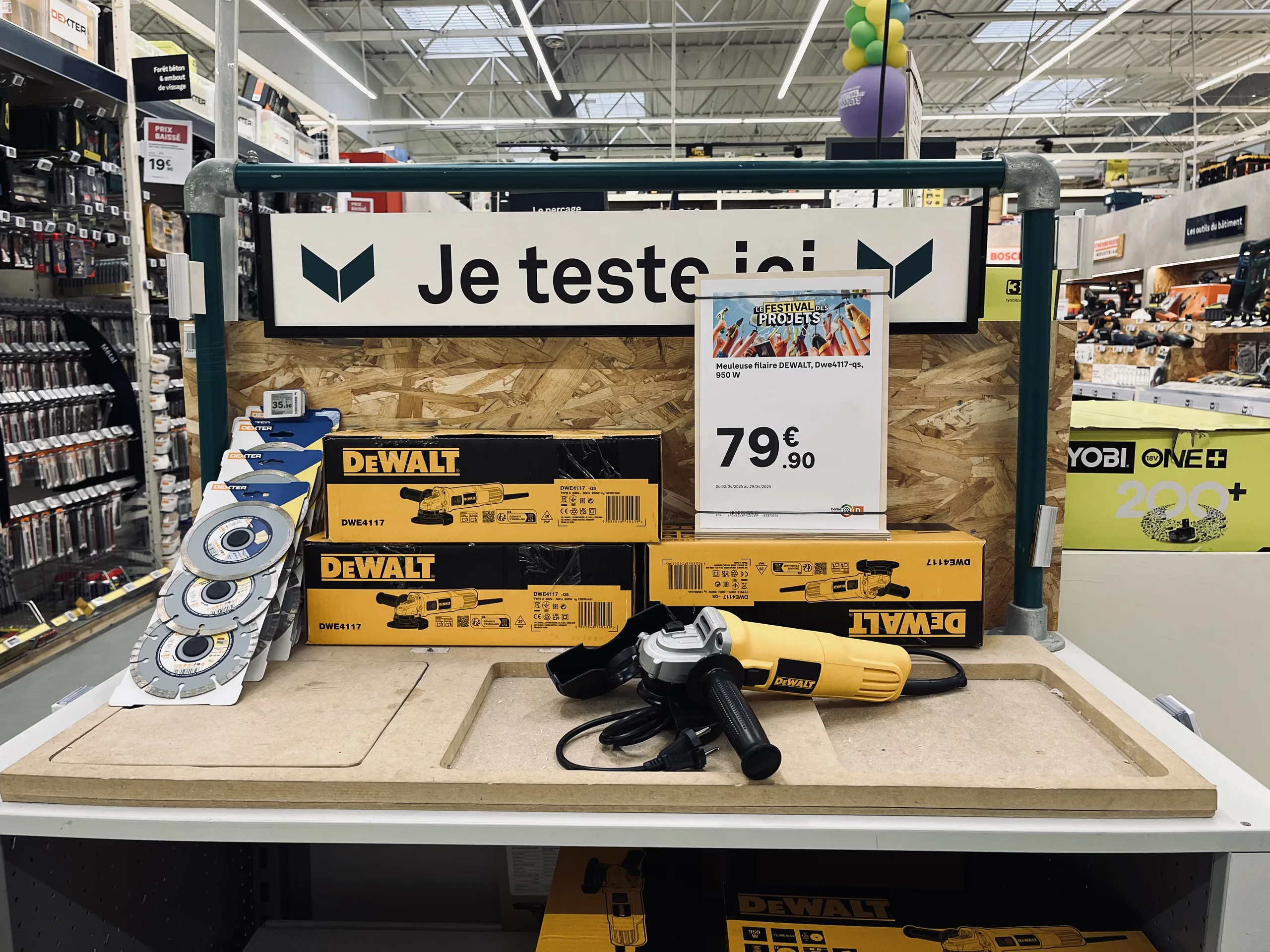
Espace de démonstration d'outillage avec un panneau « Je teste ici » et une affiche prix de meuleuse posée sur le plan de travail
A highlighted service, a price next to the product: shelf-talkers also support the in-store experience.

Paper POS, automated POS: the same medium, a different method

Automating POS does not mean abandoning paper or making every store identical. Sign templates are defined once by the marketing or merchandising team, adapted into all necessary formats, and then automatically populated with the retailer's data. Each store retains control over what should remain local, such as the choice of products to highlight or the format best suited to its layout.

To learn more about the principle, see our article on how toautomate price label creation, and for a specific location, our guide to end-cap displays.
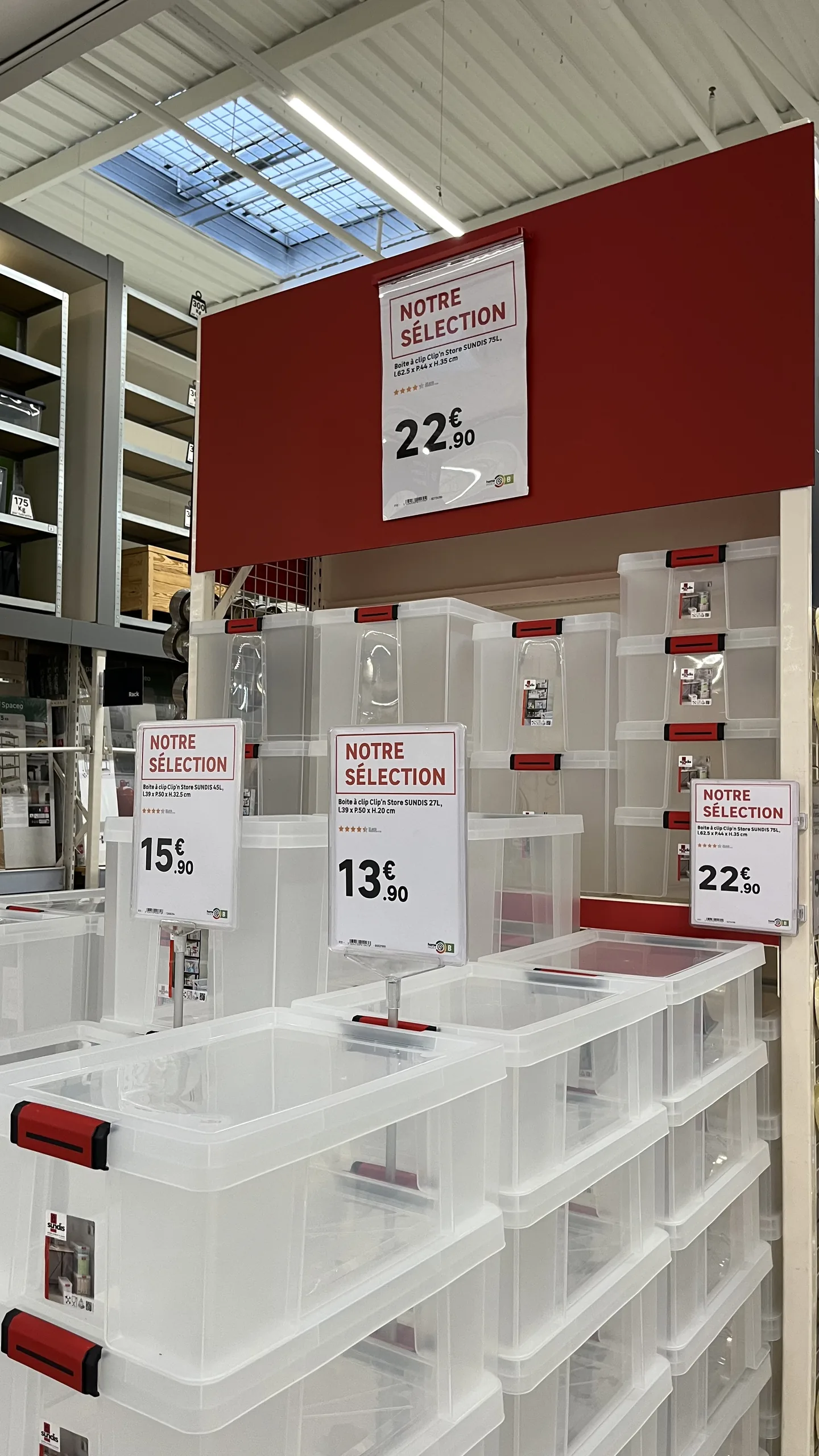
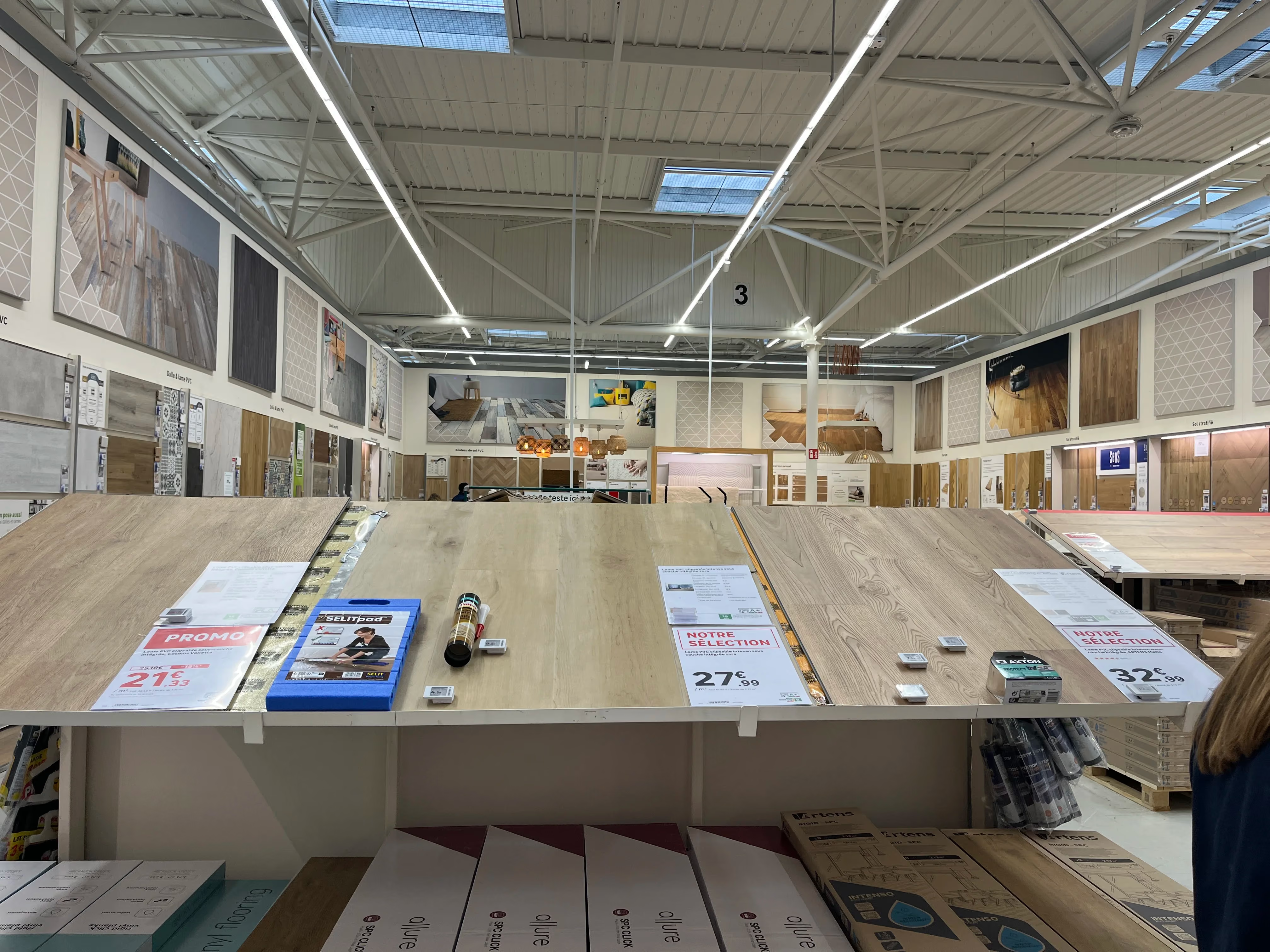
Rayon de boîtes de rangement avec plusieurs affiches « Notre sélection » de tailles différentes indiquant les prix
Same branding, multiple formats: each sign adapts to the available space.

How to make your promotional materials a success: the checklist

  1. Distinguish the role of each medium : attract (POS) or inform (shelf-talkers), and don't expect one to do everything.
  2. Choose useful information by product category, to help the customer compare.
  3. Ensure data accuracy : prices, mandatory information, and product features, sourced directly from the retailer's systems.
  4. Adhere to a shared brand identity, defined by headquarters and applied automatically.
  5. Adapt formats for each store, based on its specific location.
  6. Anticipate peak periods and regulatory changes, to enable fast, widespread reprinting.

In summary

POS and store signage together form the voice of the store: one attracts, the other informs, and the best materials do both. Their effectiveness depends less on their design than on their accuracy, clarity, and consistency.
At the network level, this requires a structured approach: templates defined by headquarters, materials populated with the retailer's data, and a production process capable of keeping pace with every peak period, price change, and regulatory update across all stores.

‍

Learn more

Managing your network's signage: //the 2026 best practices guide.//

Do you manage an integrated or franchise network? Discover our methodology for turning your signage into a driver of operational excellence. 25 pages of expertise, benchmarks, and practical checklists.

Download the white paper
Oops! Something went wrong while submitting the form.
Free resource
High-quality PDF format
Certified retail expertise
Frequently asked questions

Frequently asked questions about POS and store signage

What does POS mean?

POS stands for point-of-sale advertising. It refers to communication materials installed in stores to grab a customer's attention and encourage them to make a purchase, such as promotional posters, hanging banners, shelf talkers, and displays.

What is the difference between POS and POP?

Point-of-sale advertising (POS) aims to attract attention and trigger purchases, while point-of-sale information (POI) informs and guides the customer regarding prices, product features, services, and store hours. A single display often combines both functions.

What are the different types of POS advertising materials?

The most common types include promotional posters, price tags, product signs, shelf talkers, hanging banners, banners, tarpaulins, and end-cap displays, available in all sizes, from small labels to large-format prints.

How do you create effective point-of-sale advertising?

By empowering the customer: clear, accurate, and prioritized information, a few criteria for comparing products, up-to-date pricing, and signage that is consistent with the rest of the store.

How do you roll out a point-of-sale advertising campaign across an entire retail network?

By connecting poster production to the brand's central systems, campaign materials are generated automatically with the correct pricing and branding, then either printed in each store or selected by teams based on their specific layout.

Additional resources

To learn more

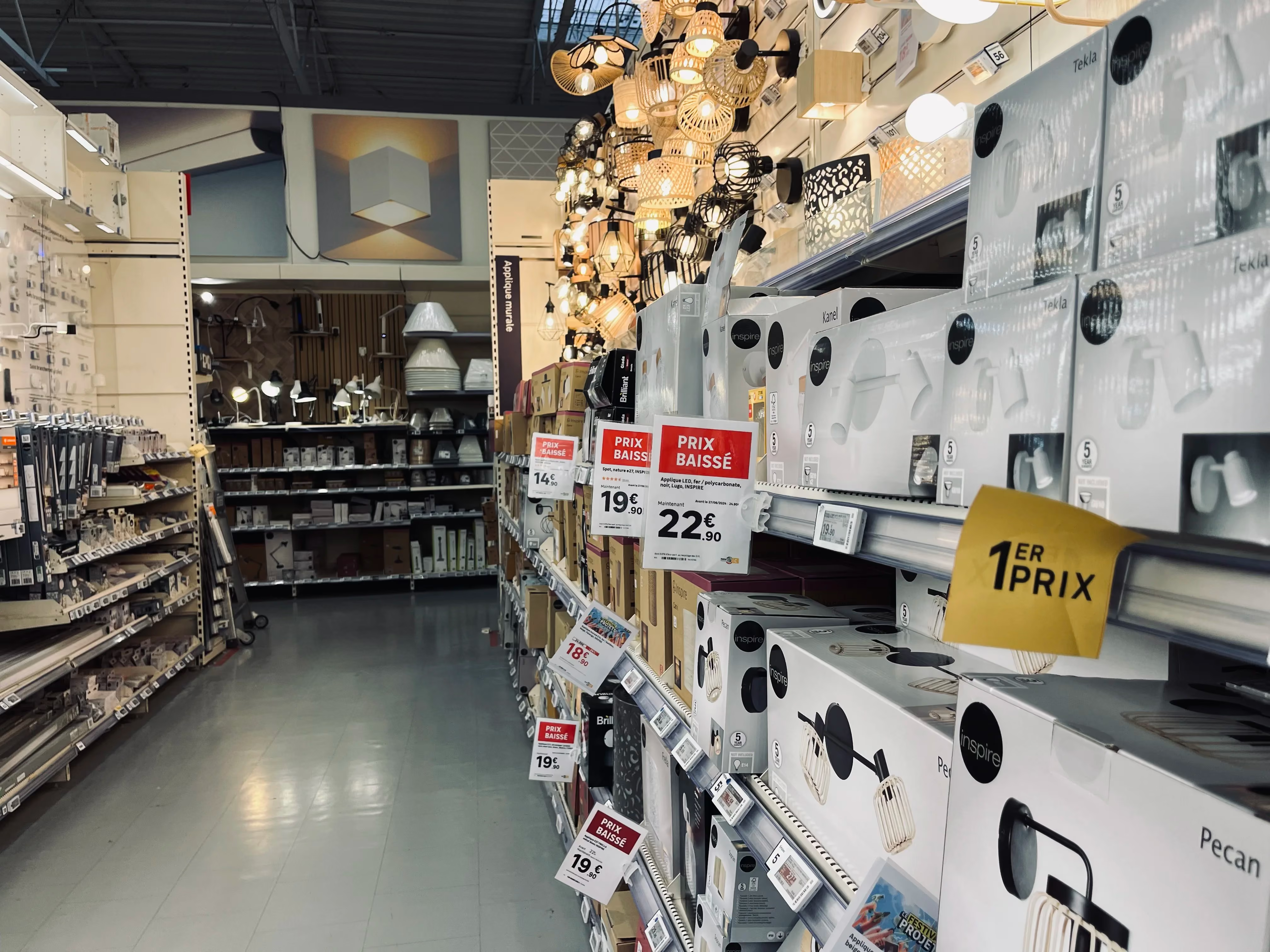
Allée de magasin avec affiches et étiquettes de prix suspendues au-dessus des rayons
Omnichannel consistency
Large corporations

In-store signage: the complete guide for retail networks

Posters, shelf labels, shelf talkers: in-store signage is the final link between a retailer and its customer. Discover what makes signage effective, the mistakes seen most often on the shop floor, and how a network can keep every display accurate and consistent at scale.

00

min read

What is in-store signage? In-store signage encompasses all the materials that inform and guide customers on the shelf: posters, price tags, shelf talkers, end-cap displays, banners, and electronic shelf labels. Successful signage is compliant with brand guidelines and regulations, features up-to-date pricing and product data, is error-free, and maintains impeccable graphic quality.

In a store, signage is the bridge between the offer decided at headquarters and the customer standing in front of the shelf. It informs, guides, and highlights. And when done poorly, it does the exact opposite: it misleads, undermines credibility, and becomes costly.
For a single store, the task is manageable. For a network of dozens or hundreds of locations, it becomes an industrial challenge. Here is what effective signage looks like, the most frequent mistakes in the field, and why automation is a game-changer at the network level.

What in-store signage covers

Signage refers to all communication materials placed in-store to inform customers about products, prices, and promotions. It is not limited to price tags: it covers everything that speaks to the customer on the shelf.
It is often confused with directional signage, which helps customers navigate the store, or with POS advertising, which promotes a specific brand. Signage, however, carries product information and pricing—the elements that legally bind the retailer.

Signage materials: what a network must manage

A retail chain constantly juggles several categories of materials, each with different constraints and production lead times.
Paper materials, which remain the most common:

  • Posters, from small formats to large promotional displays.
  • Shelf price tags.
  • Shelf talkers, which highlight a product from the aisle.
  • End-cap display materials, for the most visible locations.
  • Large-format banners, particularly for store exteriors.

Electronic shelf labels, which are updated remotely and are gaining ground in high-turnover departments.
Screen displays
, televisions, kiosks, and tablets capable of displaying visuals or documents. Their use remains more marginal in standard signage today.

Overhead retailer signage in a large format store
Large format signage, for retailer-wide messages.
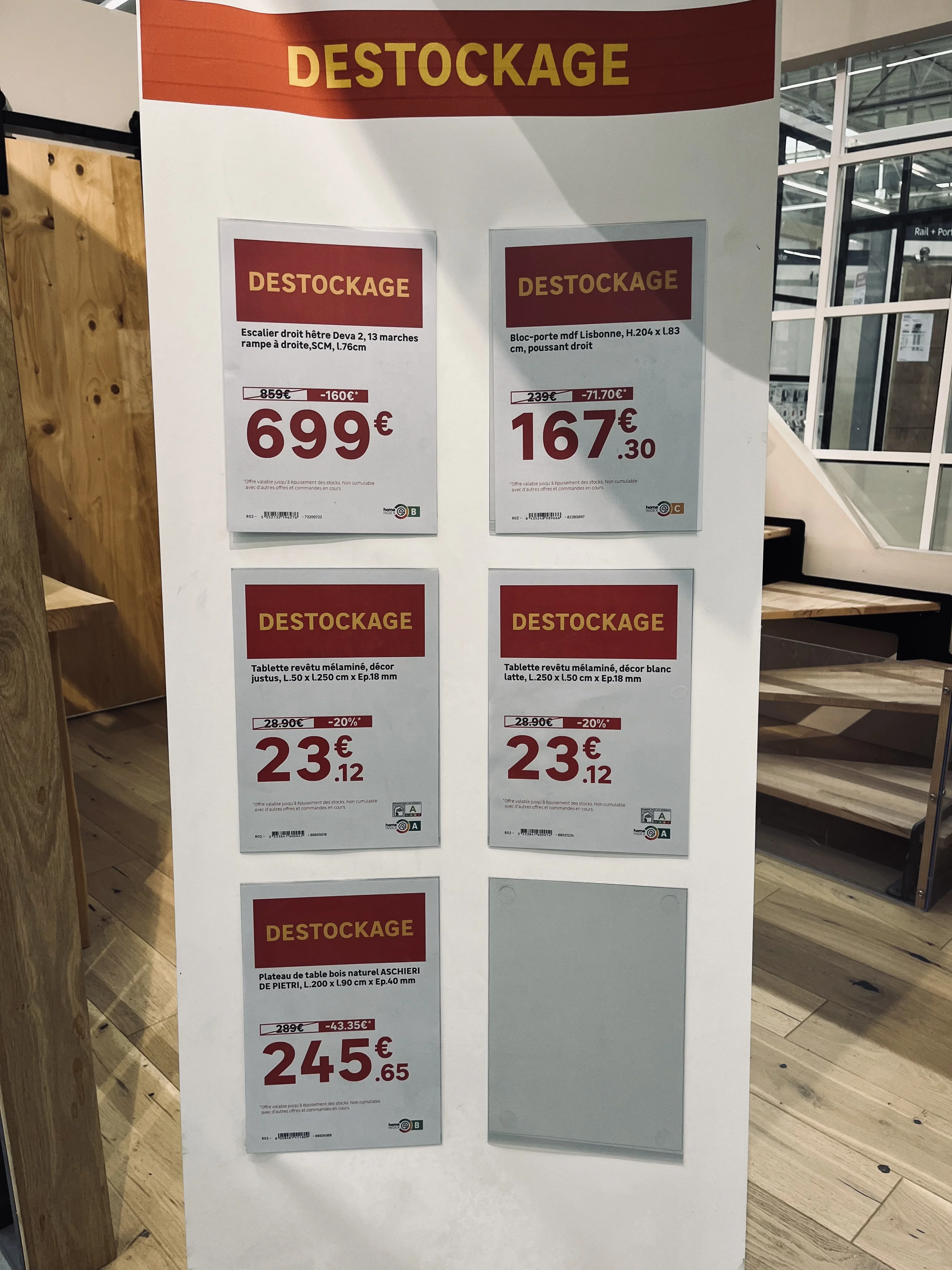
Clearance posters with large price displays on a shelf
The promotional poster, produced in bulk for every campaign.
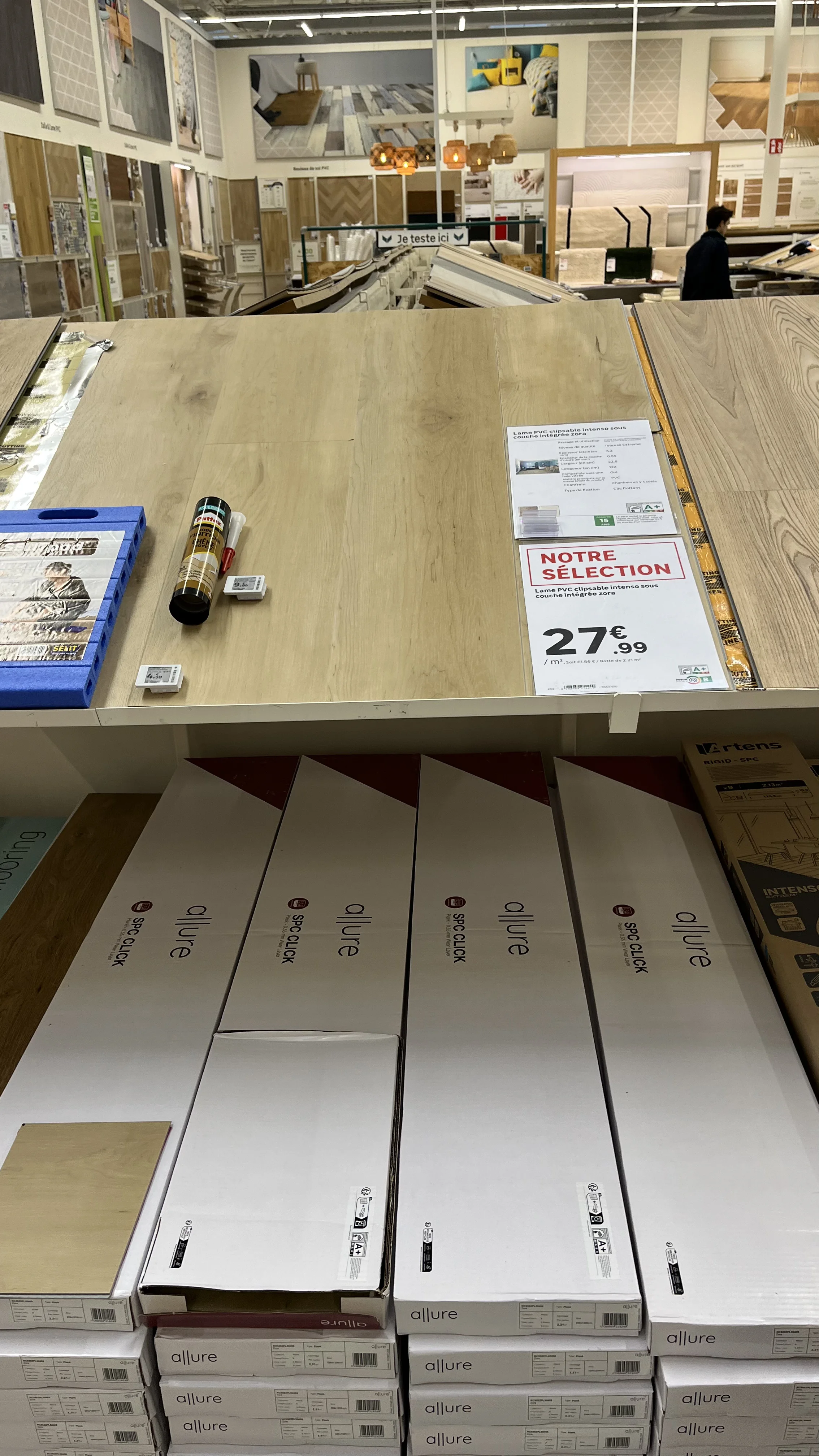
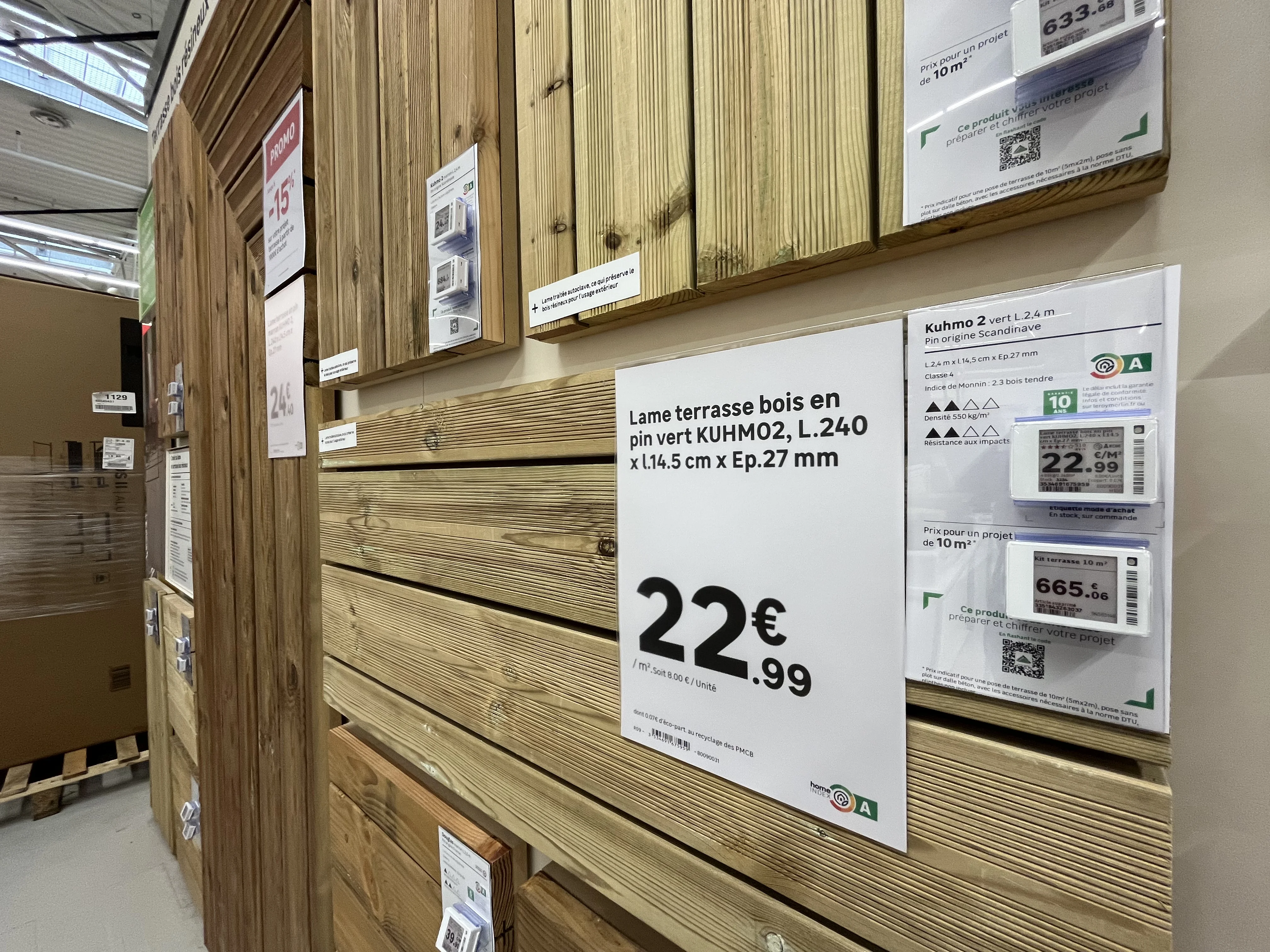
Paper price labels and an electronic shelf label side by side on a timber display
Paper and electronic labels often sit side by side on the same shelf.
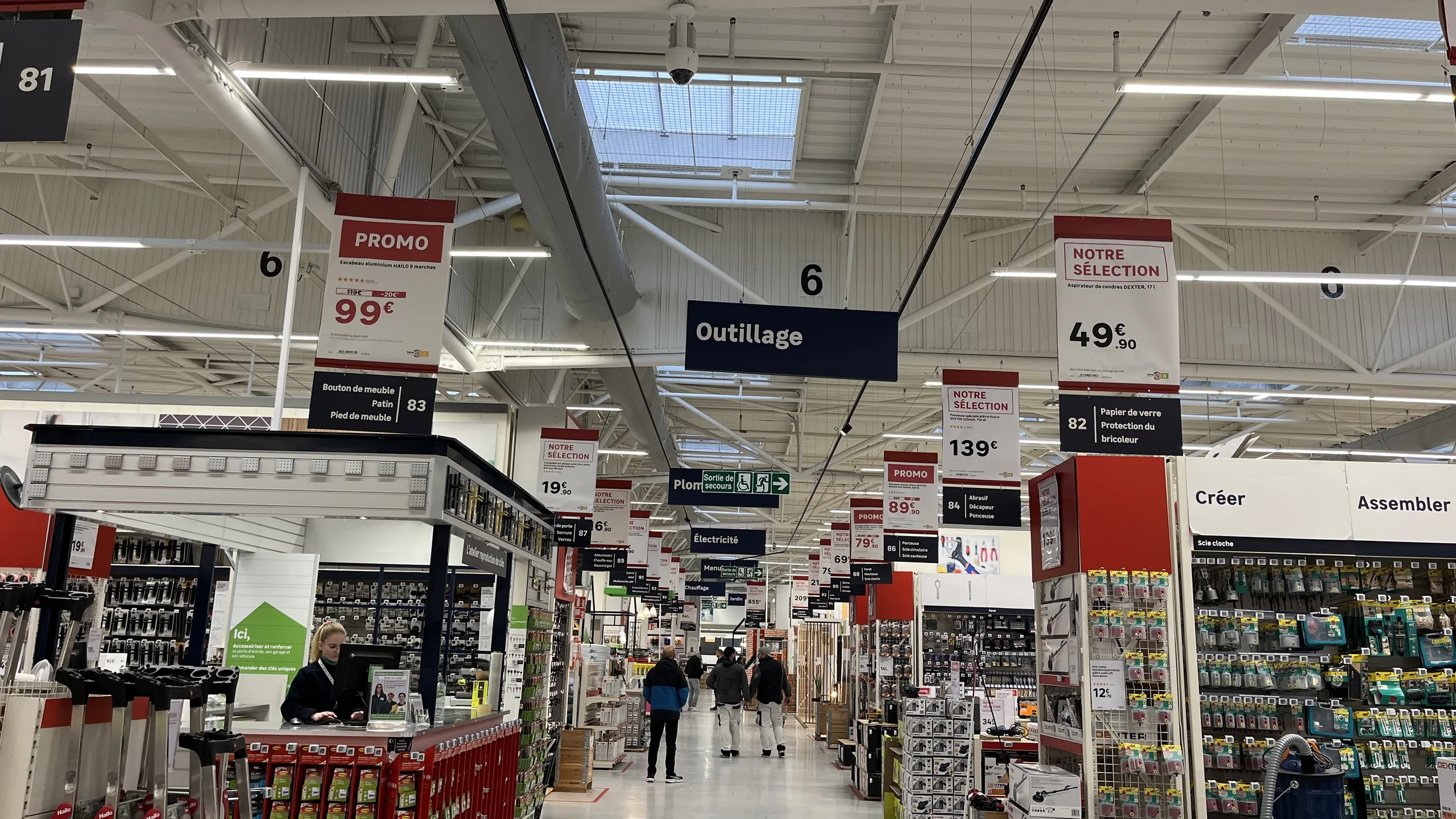
Signage banner at the head of an aisle highlighting a product selection
Point-of-sale information, shaping the customer journey.
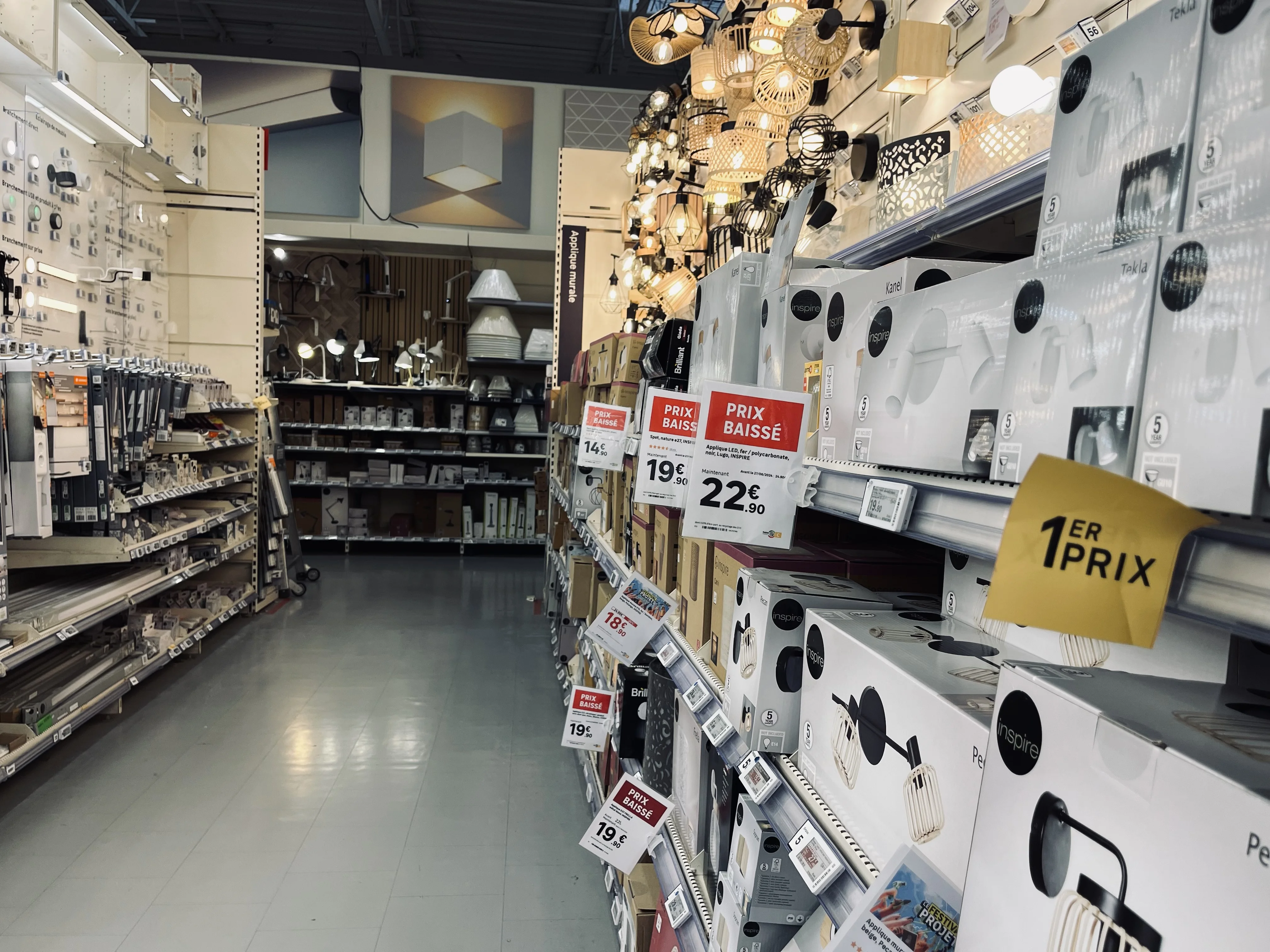
Price posters hanging above a store aisle
Overhead signage, visible from across the aisle.

The challenge is not producing one of these formats. It is producing the right ones, with the right data, at the right time, and consistently across the entire network.

The five criteria for successful signage

In the field, quality signage is recognized by five cumulative criteria. If even one is missing, the display loses its value or even becomes a liability.

  1. Compliance with the brand's visual identity. The display must respect brand guidelines, regardless of which store produces it.
  2. Regulatory compliance. Mandatory information must be present and accurate, including prices, units, and legal disclosures based on the product category.
  3. Up-to-date data. The displayed price must match the price at the register, and product information must accurately reflect the current offer.
  4. Flawless copy. A spelling mistake on an in-aisle sign directly damages the brand's credibility.
  5. Impeccable graphic quality. No pixelation, clean framing, and accurate colorimetry.

The most common signage errors

These errors almost never stem from a lack of diligence by the teams. They occur because, without the right tools, each store recreates its signage manually, in a rush, using data entered by hand.
Outdated pricing. This is the costliest error, as it creates a discrepancy between the shelf and the register, posing an immediate commercial and regulatory risk.
Failure to follow brand guidelines. Adding a visual that violates brand guidelines, using an approximate color, or improvising a layout: the network loses its consistency, and each store ends up with its own identity.
Inconsistent product data. The classic scenario: headquarters decides to communicate a feature in a specific unit, and the store uses another. The customer then compares information that cannot be compared from one aisle to another, or from one store to another.
Spelling mistakes, which go unnoticed during creation but jump out at the customer.
A promotional price higher than the original price. The most embarrassing error, which turns a sales campaign into an argument against the brand. This type of blunder spreads quickly on social media, where retail observers regularly post photos of these inconsistencies.
The common thread in all these errors: they arise the moment information is re-entered manually instead of being pulled from the source.

The real challenge: scale

What makes signage difficult in a network is not the complexity of a poster. It is the volume, concentrated over short periods.
The orders of magnitude observed at retail chains show the scale:

  • More than 220,000 posters generated in a single day across a chain of stores during Black Friday.
  • 160,000 posters produced by a major home improvement retailer for a single Black Friday event.
  • 3,000 posters per day on average for a distributor, which is nearly 100,000 per month.
  • 10,000 signs per day during a standard period at another retailer, or 300,000 per quarter.

At these volumes, manual production is no longer an option. The bottleneck isn't the store; it's the ability to quickly generate accurate, compliant, and consistent signage.

Vue large d'un showroom de magasin avec de nombreux supports de balisage en place

Manual vs. automated signage: what changes

Criterion
Manual signage
Automated signage
Volume handled
Manual signageLimited by the time available in store
Automated signageThousands of displays generated in a single run
Price accuracy
Manual signageRisk of a gap between the shelf and the till
Automated signagePrices taken straight from the retailer's systems
Brand compliance
Manual signageVaries from one store to the next
Automated signageCentral templates, consistency guaranteed
Product data
Manual signageRe-entered by hand, exposed to errors and typos
Automated signageTaken at source, consistent across the network
Print quality
Manual signageDepends on each team's time and resources
Automated signageConsistent output, true to approved templates
Network rollout
Manual signageStore by store
Automated signageIn one go across every point of sale
Volumes and observations drawn from PiiVO retail customers, for guidance only. Results vary with network size and the type of campaign.

How automation solves the problem

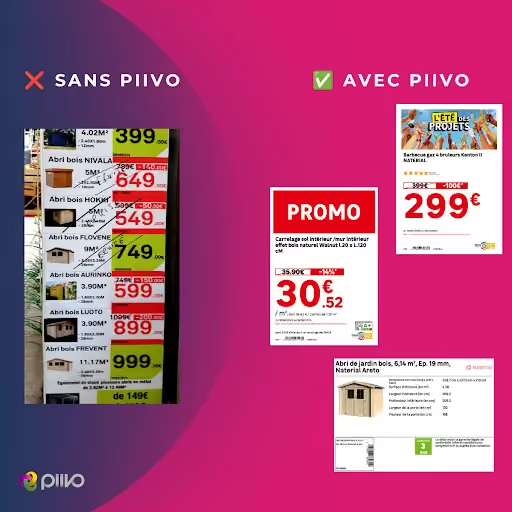
Automating signage isn't about producing the same materials faster. It's about eliminating the step that causes errors: manual data entry.
Data is pulled directly from the source.
Pricing, product names, specifications, and mandatory disclosures come straight from the retailer's systems. What is displayed on the shelf therefore matches what is actually in the system.
Templates are centralized.
Headquarters defines the templates, ensuring they comply with brand guidelines and regulations. Stores don't recreate anything; they generate. Network consistency is guaranteed by design.
Deployment is global.
A campaign is launched simultaneously across all relevant stores, rather than depending on the availability and diligence of individual teams.
Teams are freed up.
Time previously spent creating signage is returned to sales and customer service, especially during peak periods.

In summary

Signage is not just a minor execution detail; it is the final link between a retailer's commercial strategy and its customers. Accurate signage inspires confidence, while sloppy signage casts doubt on everything else.
For a retail network, the goal is not just to make prettier posters, but to ensure that every piece of signage in every store is compliant, up-to-date, and consistent, regardless of the production volume. This is precisely what data-connected signage automation enables.

‍

‍

Allée d'un magasin de bricolage avec des affiches prix
Omnichannel consistency
Franchise networks

Store and e-commerce: how to avoid product and price inconsistencies

Customers compare shelf prices with website prices, phone in hand. Discover the origins of product and price inconsistencies between retail stores and e-commerce, and learn how to avoid them by feeding all your channels from a single source of data.

00

min read

How can you avoid price inconsistencies between your store and your e-commerce site? By ensuring that shelf labels and online product pages are generated from the same data sources: prices from the ERP, descriptions and specifications from the PIM, and visuals from the DAM. This eliminates manual re-entry between the two channels and triggers updates to in-store displays as soon as a price changes in the master system.

Before entering a store, most customers have already checked the brand's website. They know the price, the product reference, and sometimes even the in-store availability. Once they are standing in front of the product, they compare, phone in hand.
If the shelf label doesn't match the website, the customer doesn't assume it's a technical glitch. They assume the brand is mistaken, or worse, trying to deceive them. Here is where these inconsistencies come from and how to avoid them for good.

Why customers immediately notice inconsistencies

The shopping journey is no longer one-sided. Customers spot a product online and come to see it in-store, or discover a product on the shelf and check its price on the website. They order online and pick up in-store. To them, there is only one brand, and therefore, there should be only one price.
The e-commerce site has become the public showcase for product information. It serves as the customer's reference point. As soon as the shelf price deviates from it, the in-store display appears incorrect, even when the error originated elsewhere.
The consequences go beyond the individual transaction: a dispute at the checkout, a discount given to appease the customer, or a customer losing trust in other displayed prices. Across a retail network, these repeated discrepancies eventually undermine the brand's consistency.

The most common inconsistencies between stores and websites

Discrepancies between the shelf and the web almost always take one of these five forms.

Inconsistency
What the customer sees
Usual cause
How to avoid it
Different price
What the customer seesThe shelf price does not match the website
Usual causeSign created from an outdated file or re-keyed by hand
How to avoid itRead the price from the ERP when the sign is created
Expired promotion
What the customer seesThe offer has ended online but is still displayed in store
Usual causeEnd date not carried over to the sign
How to avoid itUse the campaign's validity dates
Inconsistent was-price
What the customer seesThe reference price differs from one channel to another
Usual causePrior price calculated by hand, separately
How to avoid itA central calculation based on price history
Product name or specifications
What the customer seesThe name, dimensions or power rating differ
Usual causeDescription copied outside the PIM
How to avoid itRead the product name and specifications from the PIM
Missing image or mention
What the customer seesDifferent photo, missing regulatory pictogram
Usual causeImages stored locally, mentions added by hand
How to avoid itImages from the DAM, mentions based on product family
The most common situations, for guidance only. Exact causes vary with each retailer's organisation.

The common thread in all these situations is that the information is correct somewhere in the brand's systems. It is the in-store display that fails to reflect it, or reflects it too late.

The common cause: two channels, two data streams

In many retail chains, the website and the store do not pull their information from the same place.
The e-commerce site generally reads its data directly from central systems: prices from the ERP, product sheets from the PIM, and images from the DAM. In-store displays, however, are often produced separately. This might involve a file exported the day before, a label template filled out by hand, or a description copied from a catalog.
These two circuits operate in parallel and eventually diverge. A price change during the day, an extended promotion, or a replaced product reference is all it takes for the site to be up to date while the shelf is not. Manual re-entry introduces its own errors: transposed digits, different units, or forgotten details.
Trying to fix these gaps by simply checking labels more often doesn't solve the problem. Both channels must read from the same data source.

The principle: a single source of truth for all channels

Consistency between physical stores and e-commerce relies on a simple rule: every piece of information is pulled from its authoritative system, and all channels—whether online or on the shelf—are fed by that same source.

‍